
Employee Management
Mynt Retail
This Is a step-by-step guide on Employee Management in Mynt Retail.
Adding and editing Employees
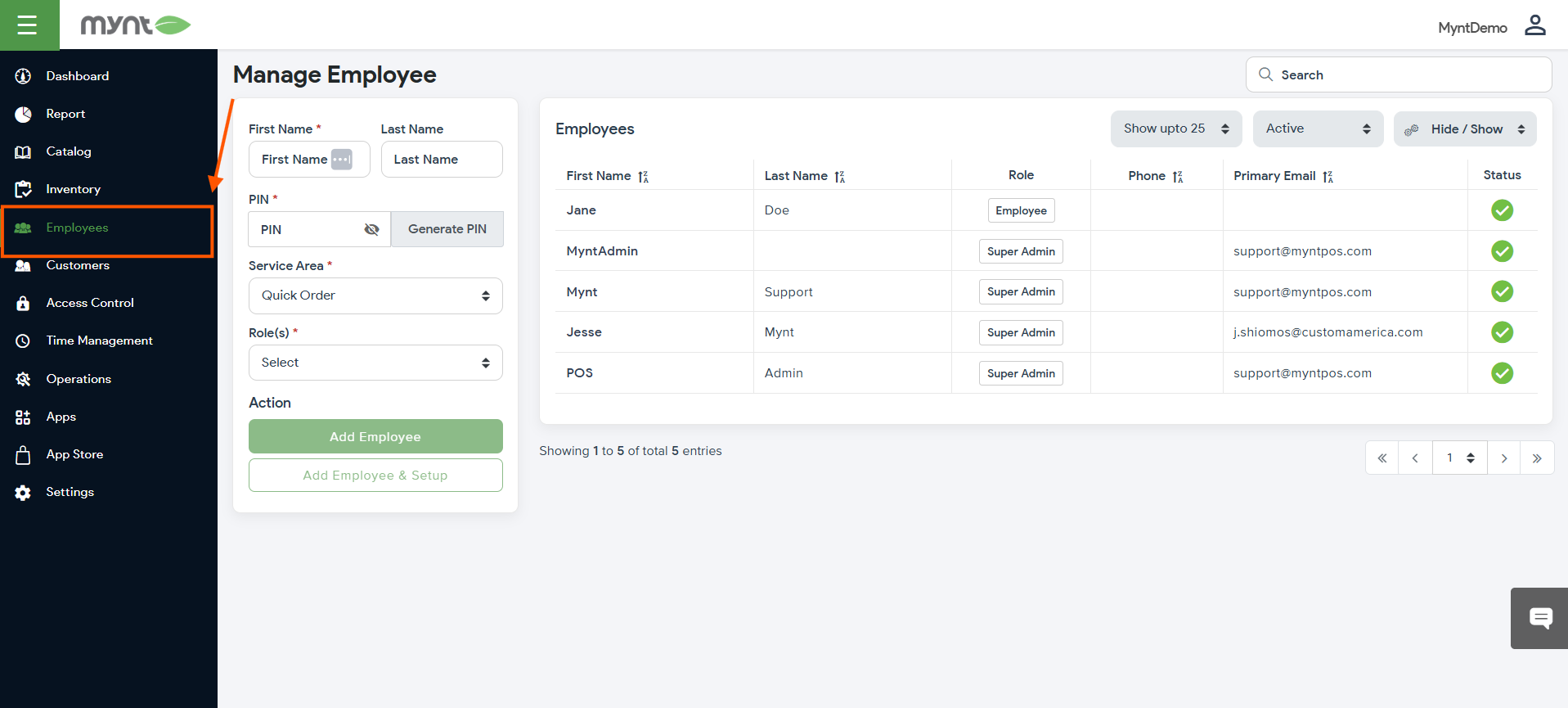
Log into the backend portal and navigate to the “Employees” tab. From here, you can either click on the existing employees to make edits or create new employees using the box on the left.
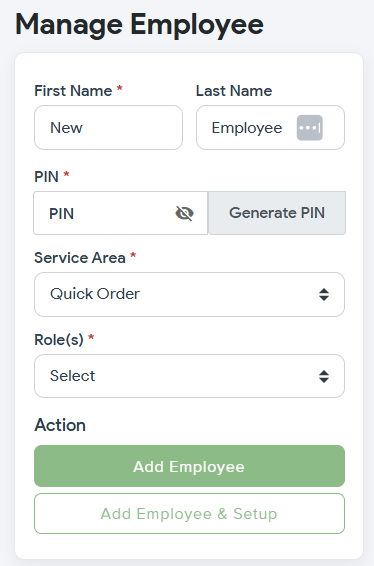
Fill out the Required information marked with asterisks and then press either “Add Employee”, or “Add Employee & Setup” for further configurations.
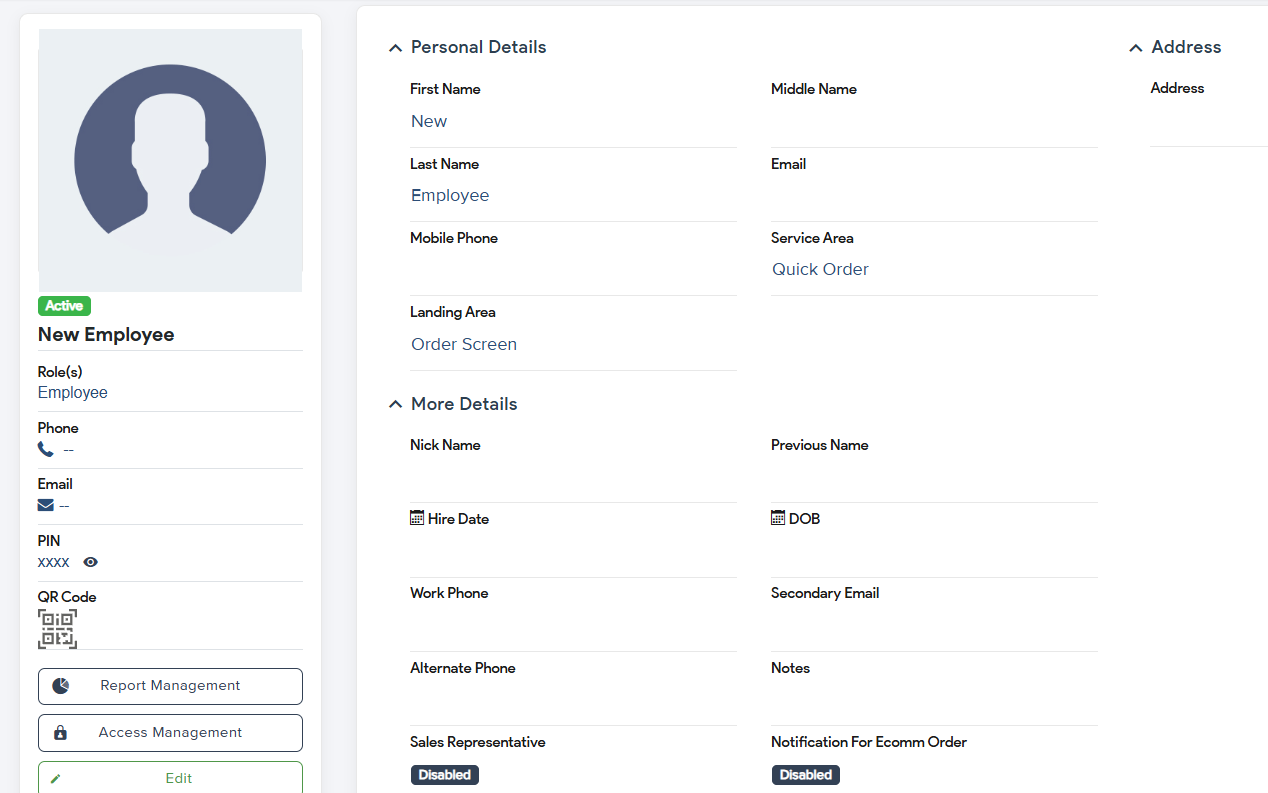
You can fill out as much, or as little information as needed.
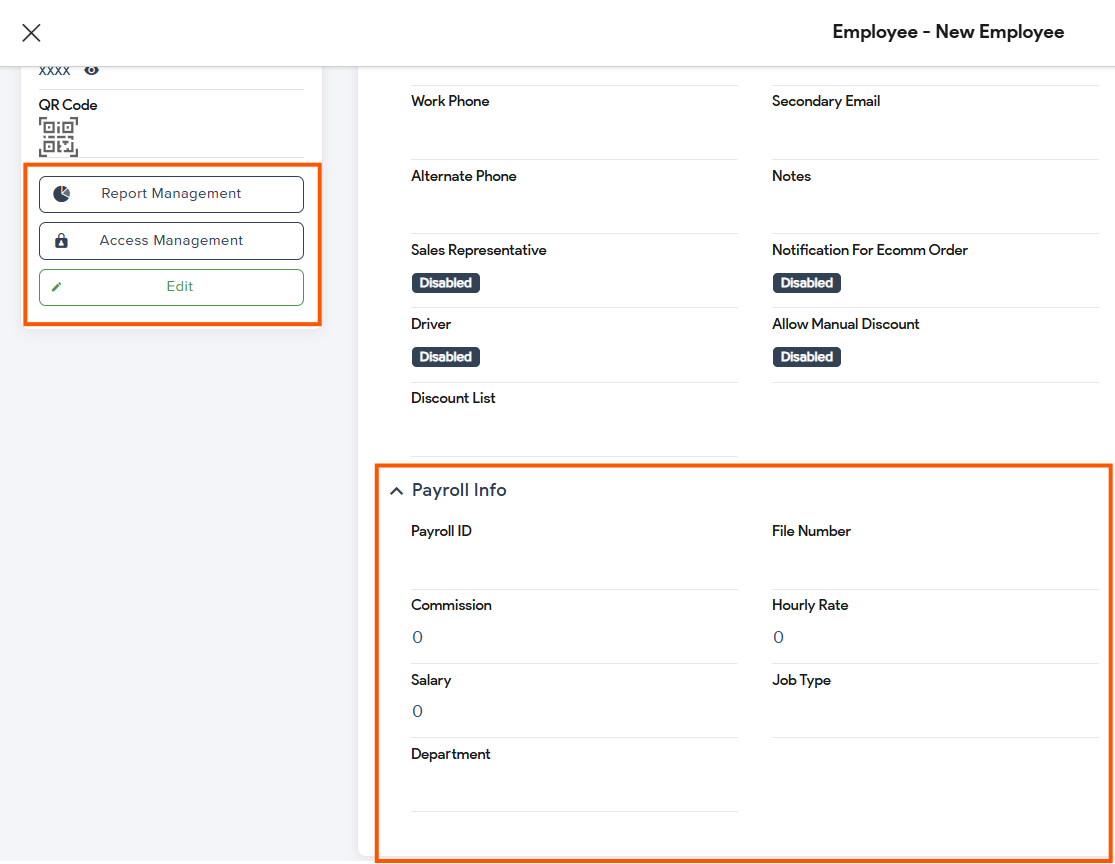
Further configurations can be made through “Report Management”, “Access Management”, “Edit”, and “Payroll Info”.
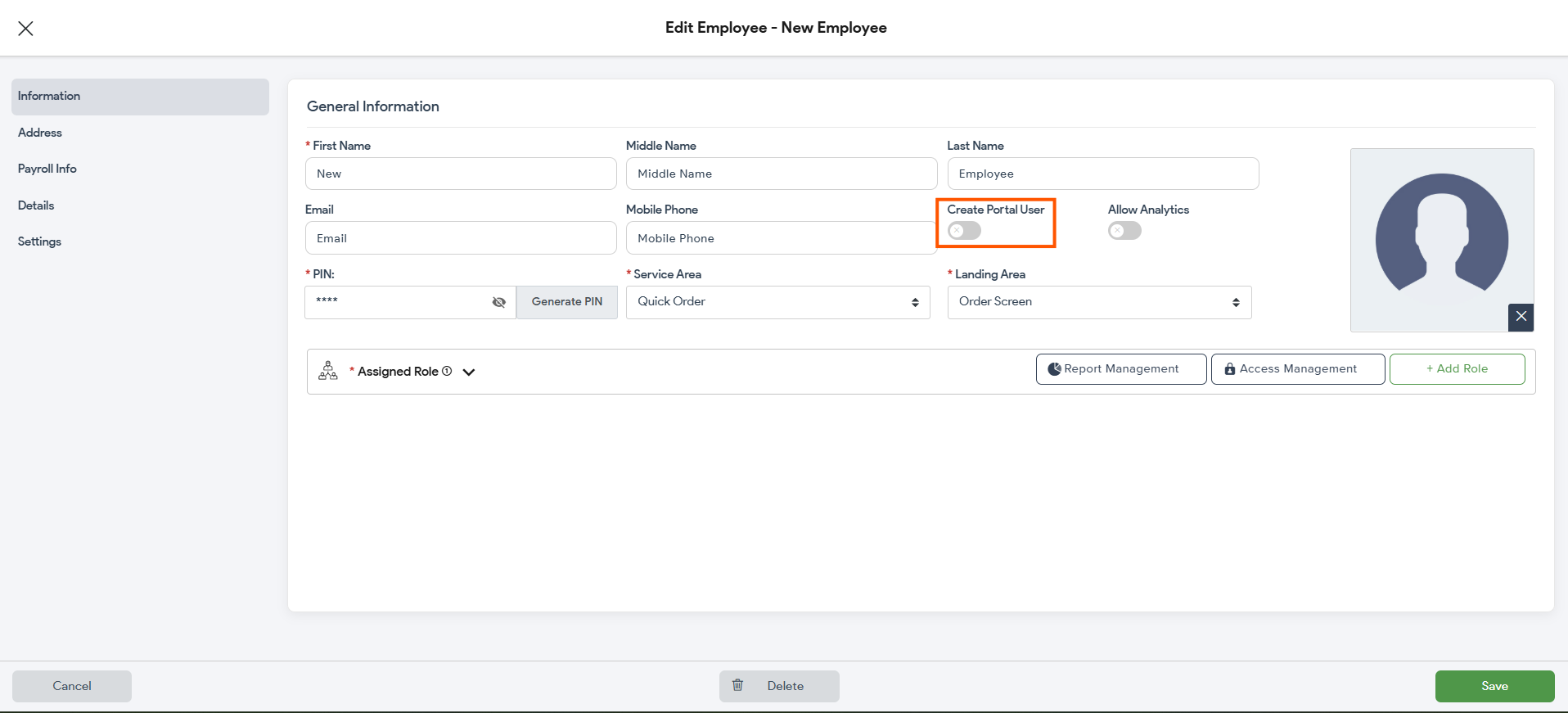
Portal/Remote Access can be enabled inside of “Info”.
Adding and editing Roles
Roles determine the permissions that each Employee has and are assigned when creating/editing employees. These are created in the “Access Control” window.
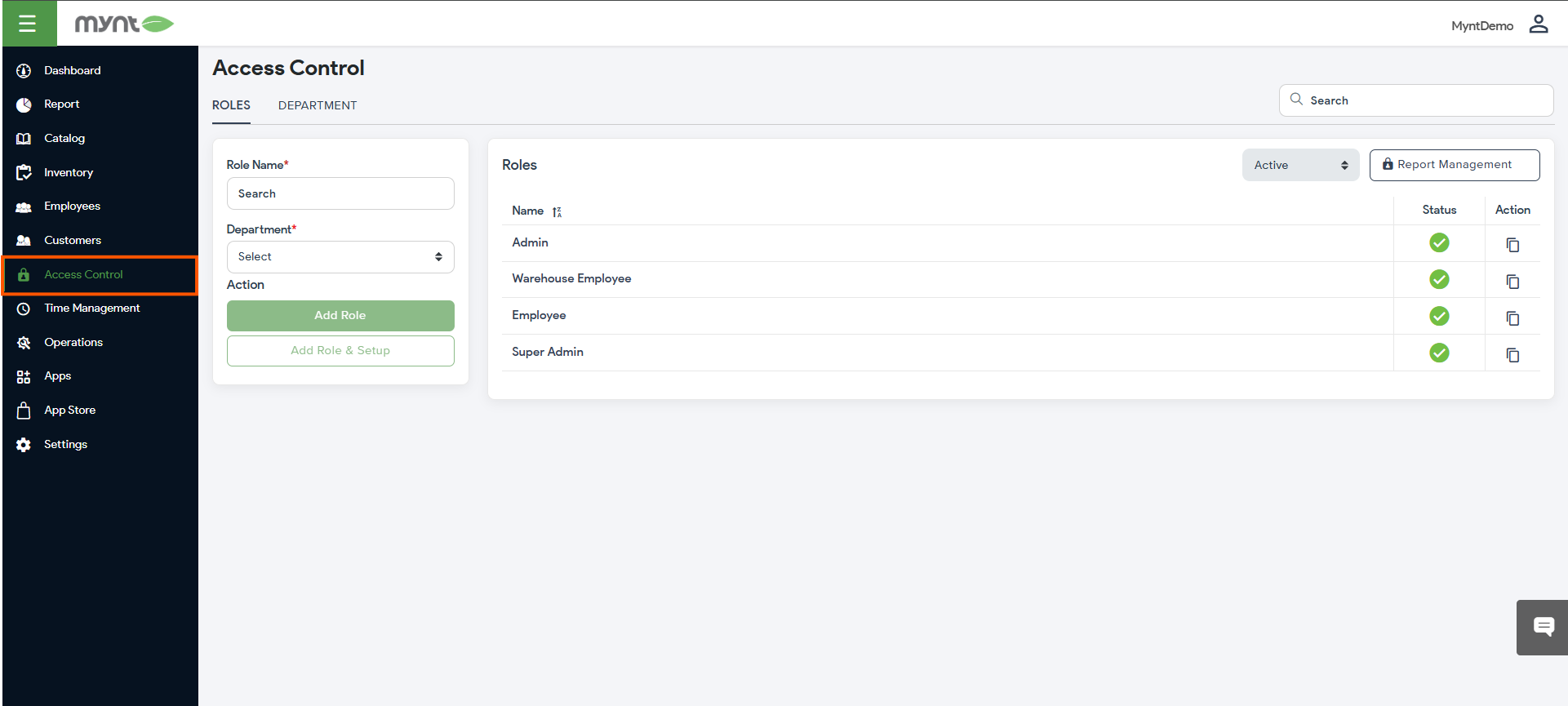
Here, you can see all currently created roles, edit existing roles, and create new ones.
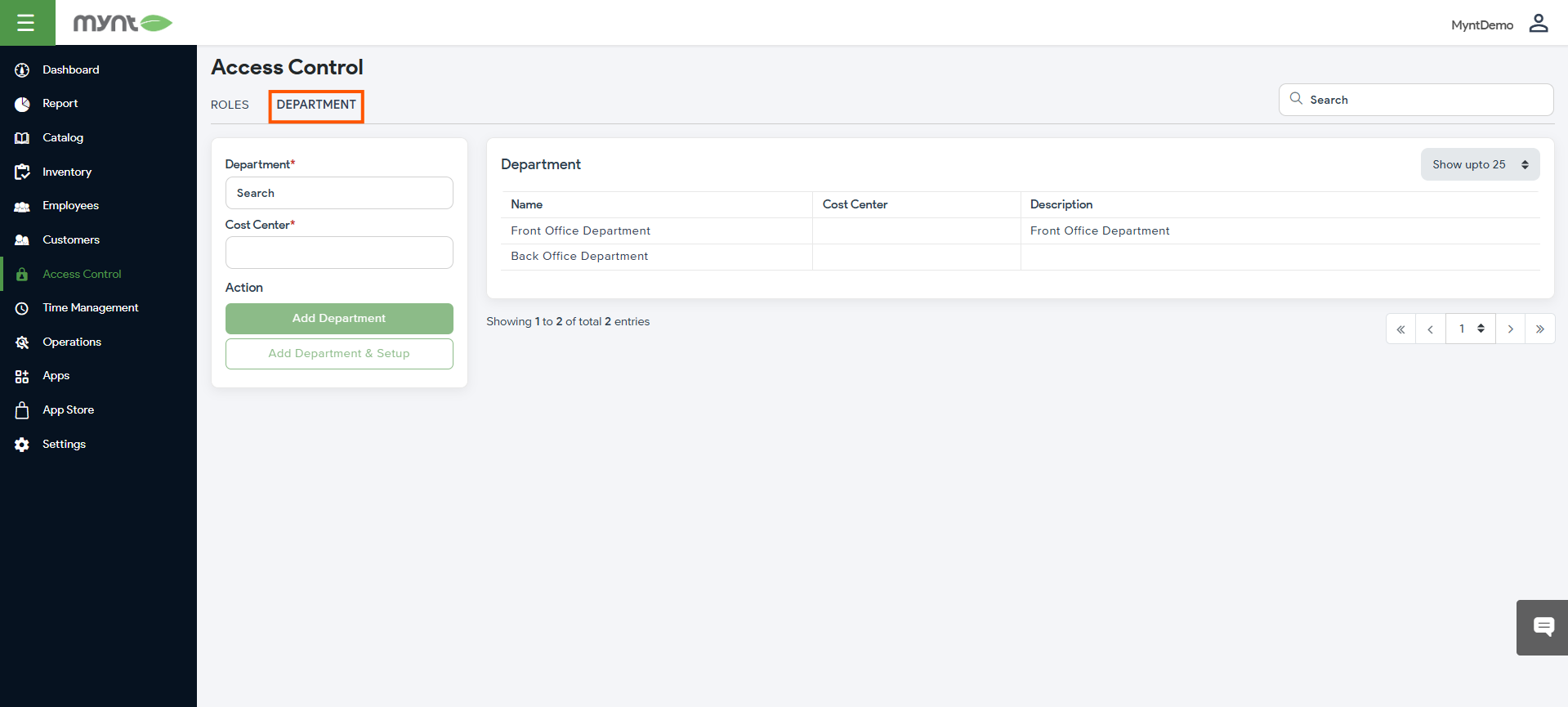
Departments must be assigned to each created role. These are strictly for organizing, and have no permissions tied to them.
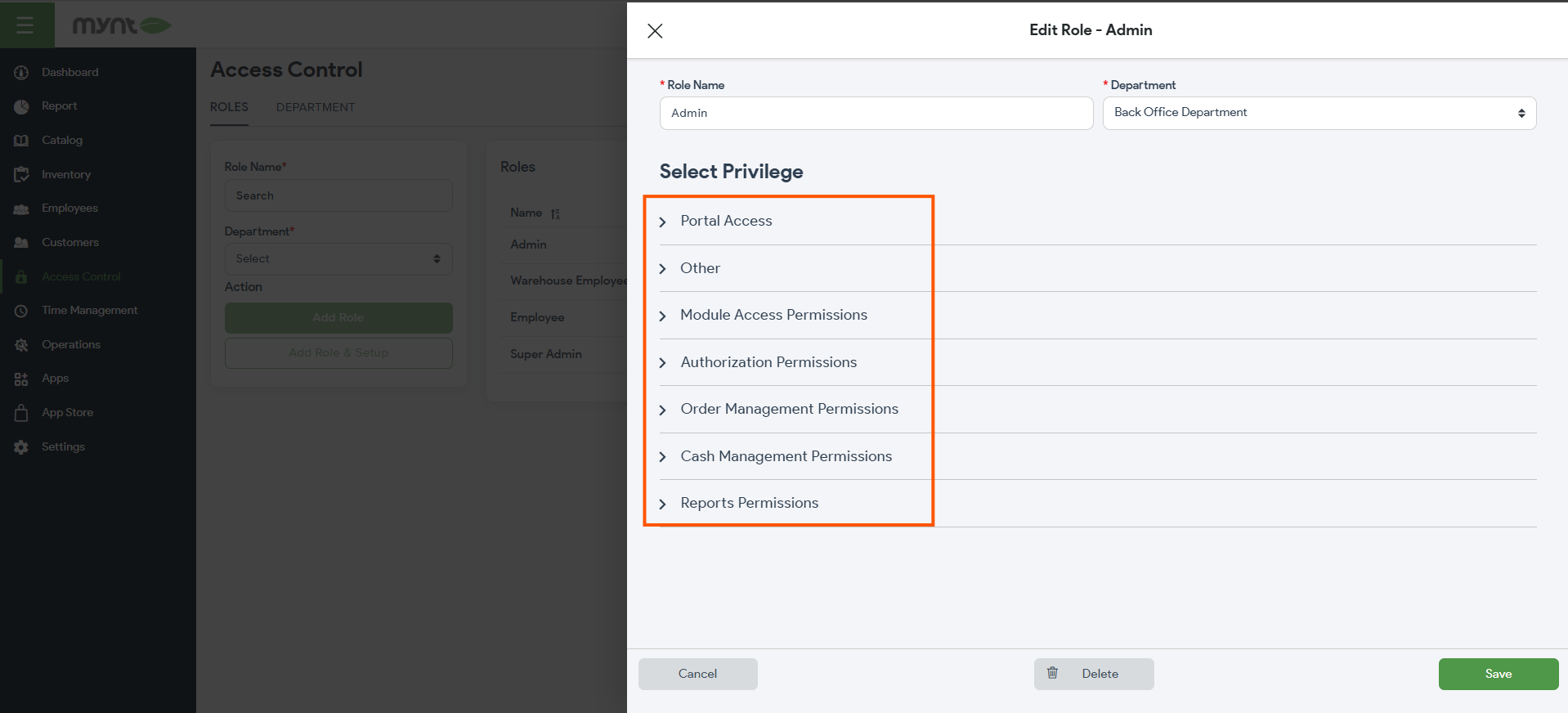
Click on any of the existing roles to make permission changes to:
- Portal Access
- Other
- Module Access Permissions
- Authorization Permissions
- Order Management Permissions
- Cash Management Permissions
- Reports Permissions
Congratulations!
You can now successfully manage employees!
