
Mynt Core & Enterprise – Create Employees
This Is a step-by-step guide on how to add employees in Mynt.
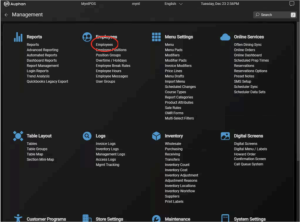
- Navigate to “Employees” under “Employees” in Management.
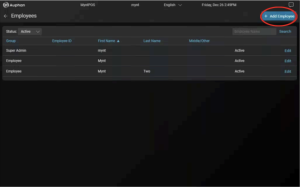
- This screen will display all the Employees in the system. Press “Add Employee” in the top right.
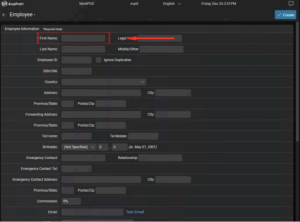
- You can fill out the information for the employee. The absolute minimum fields that require attention are the first name, User Group, and Password (generally 2-6 number code the employee will use to login).
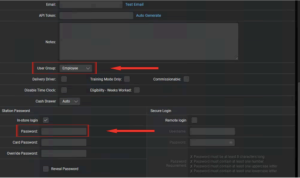
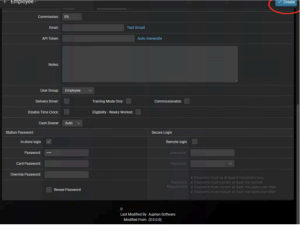
- The Employee has been created, they are now able to log into the system.
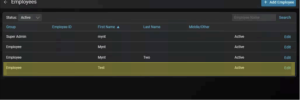
IMPORTANT NOTE: Editing existing Employees will pull up this same screen, and any information can be edited for them.

