
Mynt Core & Enterprise – How to Edit Your Kiosk Menu
This Is a step-by-step guide on how to edit your Kiosk menu in Mynt.
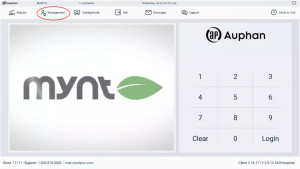
- From the Login Screen, enter Management.
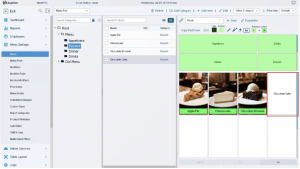
- “Chocolate Cake” will be used as an example for this guide.
-
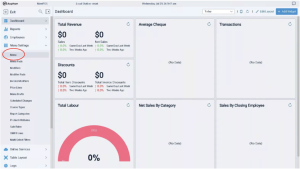
Navigate to “Menu” under “Menu Settings.
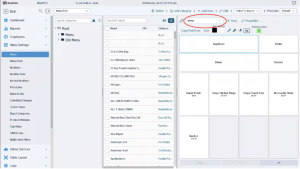
- On the right-hand side above the Menu Pad, open the dropdown box currently labeled with the default menu.
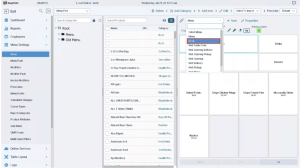
- Select “Kiosk”.
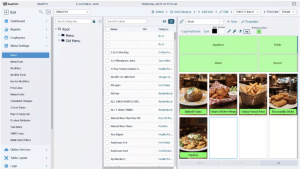
- From here, the menu can be updated as you would your regular menu.
RESOURCES FOR GENERAL MENU EDITING:
Creating and Applying Modifiers
Setup Item & Category Print Location
Adding Categories and Items