
 https://myntpos.com/wp-content/uploads/2014/11/Area_View_Used.png
864
1036
Mynt POS
/wp-content/uploads/2013/04/Mynt_Logo.png
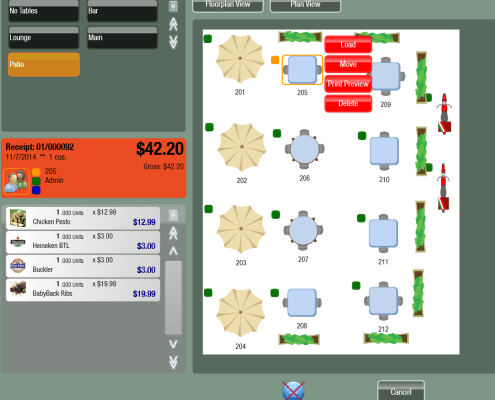
Mynt POS2014-11-08 00:03:092015-01-02 12:26:26Managing Tables
https://myntpos.com/wp-content/uploads/2014/11/Area_View_Used.png
864
1036
Mynt POS
/wp-content/uploads/2013/04/Mynt_Logo.png
Mynt POS2014-11-08 00:03:092015-01-02 12:26:26Managing Tables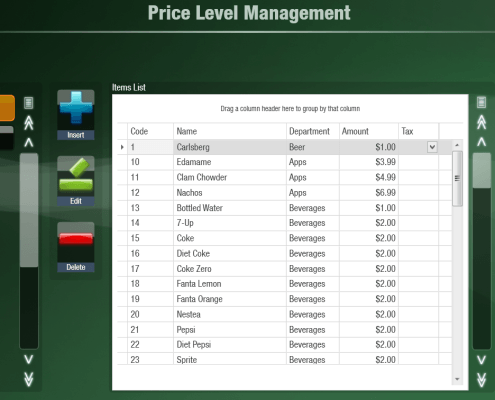 https://myntpos.com/wp-content/uploads/2014/11/Price_Level_Management.png
756
1192
Mynt POS
/wp-content/uploads/2013/04/Mynt_Logo.png
Mynt POS2014-11-07 22:19:092015-01-02 11:04:07Creating a Price Level
https://myntpos.com/wp-content/uploads/2014/11/Price_Level_Management.png
756
1192
Mynt POS
/wp-content/uploads/2013/04/Mynt_Logo.png
Mynt POS2014-11-07 22:19:092015-01-02 11:04:07Creating a Price Level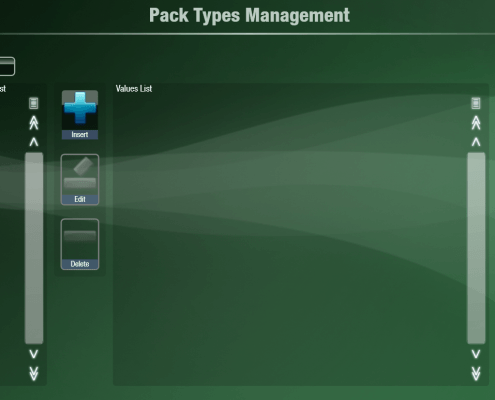 https://myntpos.com/wp-content/uploads/2014/11/Pack_Types_Management.png
773
1230
Mynt POS
/wp-content/uploads/2013/04/Mynt_Logo.png
Mynt POS2014-11-07 00:09:202015-01-02 10:47:08Setting up Pack Types
https://myntpos.com/wp-content/uploads/2014/11/Pack_Types_Management.png
773
1230
Mynt POS
/wp-content/uploads/2013/04/Mynt_Logo.png
Mynt POS2014-11-07 00:09:202015-01-02 10:47:08Setting up Pack Types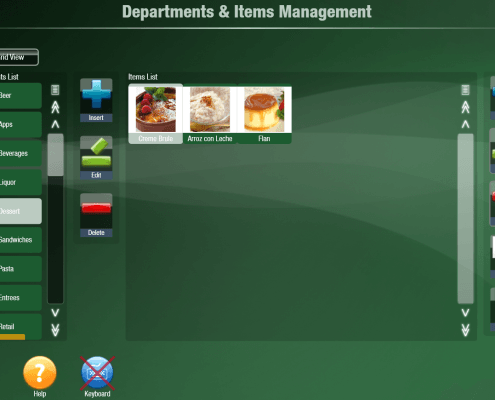 https://myntpos.com/wp-content/uploads/2014/10/Departments_and_Items_Management.png
870
1259
Mynt POS
/wp-content/uploads/2013/04/Mynt_Logo.png
Mynt POS2014-11-06 19:04:002015-01-02 10:32:59Creating and Editing Items
https://myntpos.com/wp-content/uploads/2014/10/Departments_and_Items_Management.png
870
1259
Mynt POS
/wp-content/uploads/2013/04/Mynt_Logo.png
Mynt POS2014-11-06 19:04:002015-01-02 10:32:59Creating and Editing Items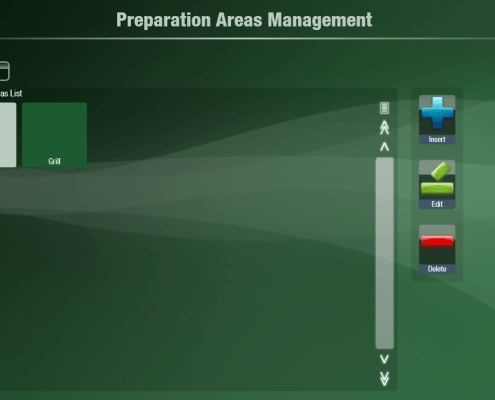 https://myntpos.com/wp-content/uploads/2014/11/Preparation_Areas_Management.png
772
1230
Mynt POS
/wp-content/uploads/2013/04/Mynt_Logo.png
Mynt POS2014-11-06 16:30:502015-01-02 08:34:33Setting Up Preparation Areas
https://myntpos.com/wp-content/uploads/2014/11/Preparation_Areas_Management.png
772
1230
Mynt POS
/wp-content/uploads/2013/04/Mynt_Logo.png
Mynt POS2014-11-06 16:30:502015-01-02 08:34:33Setting Up Preparation Areas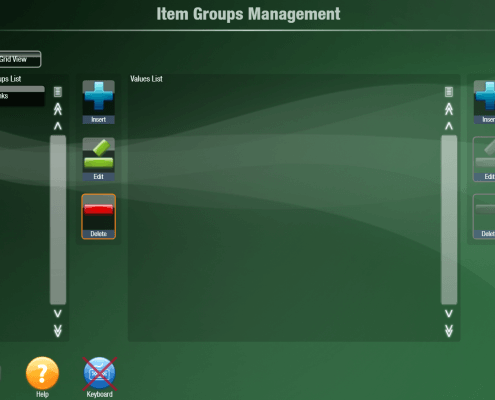 https://myntpos.com/wp-content/uploads/2014/11/Items_Groups_Management.png
874
1231
Mynt POS
/wp-content/uploads/2013/04/Mynt_Logo.png
Mynt POS2014-11-05 18:38:272015-01-02 10:06:19Setting up Groups
https://myntpos.com/wp-content/uploads/2014/11/Items_Groups_Management.png
874
1231
Mynt POS
/wp-content/uploads/2013/04/Mynt_Logo.png
Mynt POS2014-11-05 18:38:272015-01-02 10:06:19Setting up Groups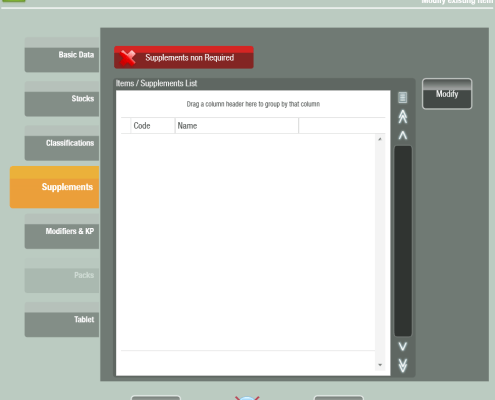 https://myntpos.com/wp-content/uploads/2014/10/Item_Supplements.png
880
981
Mynt POS
/wp-content/uploads/2013/04/Mynt_Logo.png
Mynt POS2014-10-31 22:57:122015-01-02 09:53:40Configuring Supplements for an Item
https://myntpos.com/wp-content/uploads/2014/10/Item_Supplements.png
880
981
Mynt POS
/wp-content/uploads/2013/04/Mynt_Logo.png
Mynt POS2014-10-31 22:57:122015-01-02 09:53:40Configuring Supplements for an Item https://myntpos.com/wp-content/uploads/2014/10/Supplements1.png
83
128
Mynt POS
/wp-content/uploads/2013/04/Mynt_Logo.png
Mynt POS2014-10-29 22:54:092015-01-02 09:43:08Setting up Supplements
https://myntpos.com/wp-content/uploads/2014/10/Supplements1.png
83
128
Mynt POS
/wp-content/uploads/2013/04/Mynt_Logo.png
Mynt POS2014-10-29 22:54:092015-01-02 09:43:08Setting up Supplements https://myntpos.com/wp-content/uploads/2014/10/Modifiers.png
183
292
Mynt POS
/wp-content/uploads/2013/04/Mynt_Logo.png
Mynt POS2014-10-29 22:38:442015-01-02 09:34:42Setting up Modifiers
https://myntpos.com/wp-content/uploads/2014/10/Modifiers.png
183
292
Mynt POS
/wp-content/uploads/2013/04/Mynt_Logo.png
Mynt POS2014-10-29 22:38:442015-01-02 09:34:42Setting up Modifiers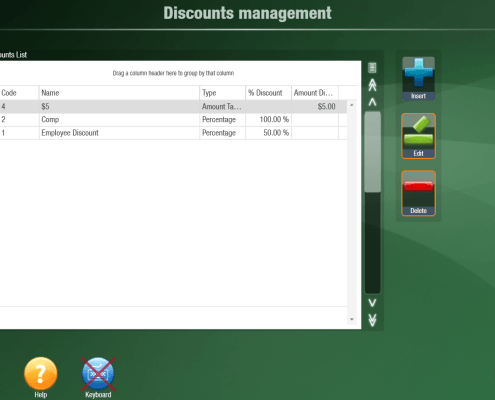 https://myntpos.com/wp-content/uploads/2014/10/Discounts_Management.png
871
1230
Mynt POS
/wp-content/uploads/2013/04/Mynt_Logo.png
Mynt POS2014-10-29 20:42:422015-01-02 09:12:46Setting up Discounts
https://myntpos.com/wp-content/uploads/2014/10/Discounts_Management.png
871
1230
Mynt POS
/wp-content/uploads/2013/04/Mynt_Logo.png
Mynt POS2014-10-29 20:42:422015-01-02 09:12:46Setting up Discounts