
 https://myntpos.com/wp-content/uploads/2014/11/List_Reports.png
749
1247
Mynt POS
/wp-content/uploads/2013/04/Mynt_Logo.png
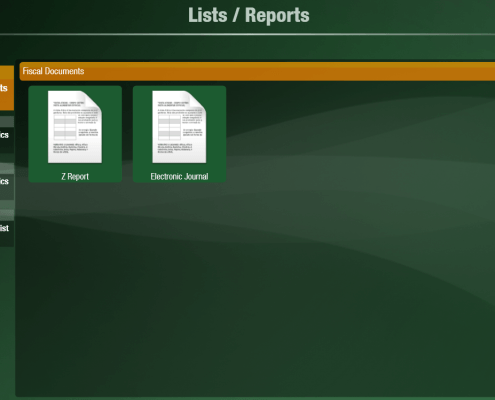
Mynt POS2014-11-05 22:57:362015-01-02 10:26:47Running Reports
https://myntpos.com/wp-content/uploads/2014/11/List_Reports.png
749
1247
Mynt POS
/wp-content/uploads/2013/04/Mynt_Logo.png
Mynt POS2014-11-05 22:57:362015-01-02 10:26:47Running Reports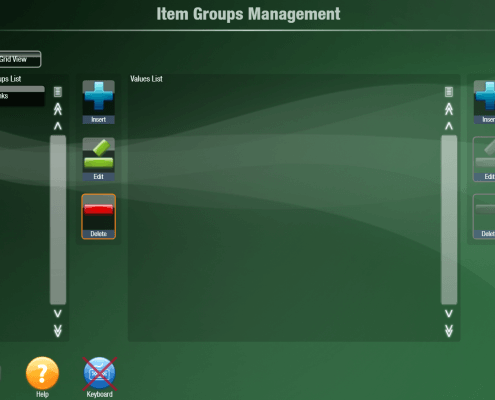 https://myntpos.com/wp-content/uploads/2014/11/Items_Groups_Management.png
874
1231
Mynt POS
/wp-content/uploads/2013/04/Mynt_Logo.png
Mynt POS2014-11-05 18:38:272015-01-02 10:06:19Setting up Groups
https://myntpos.com/wp-content/uploads/2014/11/Items_Groups_Management.png
874
1231
Mynt POS
/wp-content/uploads/2013/04/Mynt_Logo.png
Mynt POS2014-11-05 18:38:272015-01-02 10:06:19Setting up Groups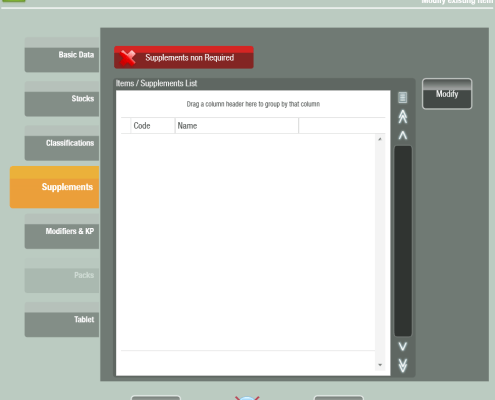 https://myntpos.com/wp-content/uploads/2014/10/Item_Supplements.png
880
981
Mynt POS
/wp-content/uploads/2013/04/Mynt_Logo.png
Mynt POS2014-10-31 22:57:122015-01-02 09:53:40Configuring Supplements for an Item
https://myntpos.com/wp-content/uploads/2014/10/Item_Supplements.png
880
981
Mynt POS
/wp-content/uploads/2013/04/Mynt_Logo.png
Mynt POS2014-10-31 22:57:122015-01-02 09:53:40Configuring Supplements for an Item https://myntpos.com/wp-content/uploads/2014/10/Supplements1.png
83
128
Mynt POS
/wp-content/uploads/2013/04/Mynt_Logo.png
Mynt POS2014-10-29 22:54:092015-01-02 09:43:08Setting up Supplements
https://myntpos.com/wp-content/uploads/2014/10/Supplements1.png
83
128
Mynt POS
/wp-content/uploads/2013/04/Mynt_Logo.png
Mynt POS2014-10-29 22:54:092015-01-02 09:43:08Setting up Supplements https://myntpos.com/wp-content/uploads/2014/10/Modifiers.png
183
292
Mynt POS
/wp-content/uploads/2013/04/Mynt_Logo.png
Mynt POS2014-10-29 22:38:442015-01-02 09:34:42Setting up Modifiers
https://myntpos.com/wp-content/uploads/2014/10/Modifiers.png
183
292
Mynt POS
/wp-content/uploads/2013/04/Mynt_Logo.png
Mynt POS2014-10-29 22:38:442015-01-02 09:34:42Setting up Modifiers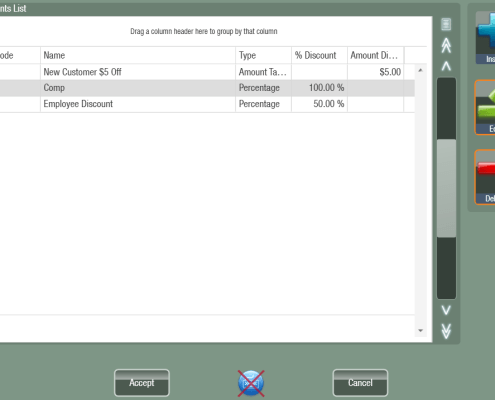 https://myntpos.com/wp-content/uploads/2014/10/Discounts_List.png
717
996
Mynt POS
/wp-content/uploads/2013/04/Mynt_Logo.png
Mynt POS2014-10-29 20:56:032014-12-31 15:52:55Applying Discounts
https://myntpos.com/wp-content/uploads/2014/10/Discounts_List.png
717
996
Mynt POS
/wp-content/uploads/2013/04/Mynt_Logo.png
Mynt POS2014-10-29 20:56:032014-12-31 15:52:55Applying Discounts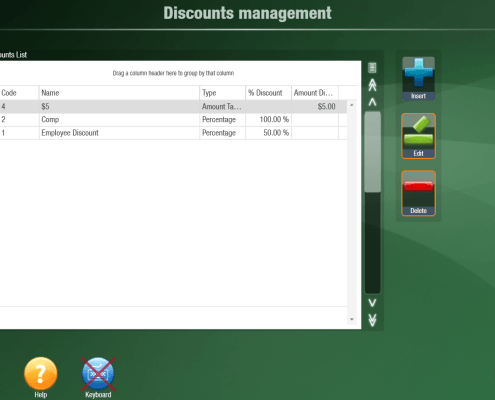 https://myntpos.com/wp-content/uploads/2014/10/Discounts_Management.png
871
1230
Mynt POS
/wp-content/uploads/2013/04/Mynt_Logo.png
Mynt POS2014-10-29 20:42:422015-01-02 09:12:46Setting up Discounts
https://myntpos.com/wp-content/uploads/2014/10/Discounts_Management.png
871
1230
Mynt POS
/wp-content/uploads/2013/04/Mynt_Logo.png
Mynt POS2014-10-29 20:42:422015-01-02 09:12:46Setting up Discounts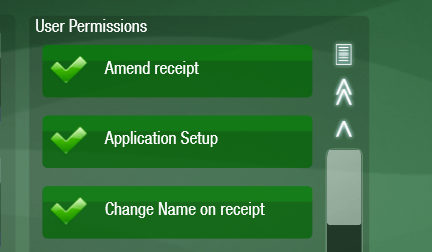 https://myntpos.com/wp-content/uploads/2014/10/User_Permissins_Feature.png
252
432
Mynt POS
/wp-content/uploads/2013/04/Mynt_Logo.png
Mynt POS2014-10-24 22:41:352015-07-29 12:44:28List of User Permissions
https://myntpos.com/wp-content/uploads/2014/10/User_Permissins_Feature.png
252
432
Mynt POS
/wp-content/uploads/2013/04/Mynt_Logo.png
Mynt POS2014-10-24 22:41:352015-07-29 12:44:28List of User Permissions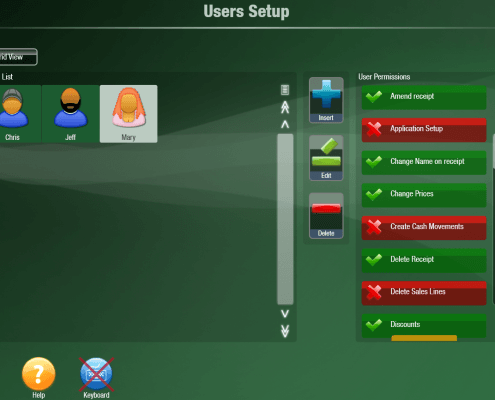 https://myntpos.com/wp-content/uploads/2014/10/Permissions_Setup.png
866
1244
Mynt POS
/wp-content/uploads/2013/04/Mynt_Logo.png
Mynt POS2014-10-24 22:26:212014-12-08 13:20:28Setting up User Permissions
https://myntpos.com/wp-content/uploads/2014/10/Permissions_Setup.png
866
1244
Mynt POS
/wp-content/uploads/2013/04/Mynt_Logo.png
Mynt POS2014-10-24 22:26:212014-12-08 13:20:28Setting up User Permissions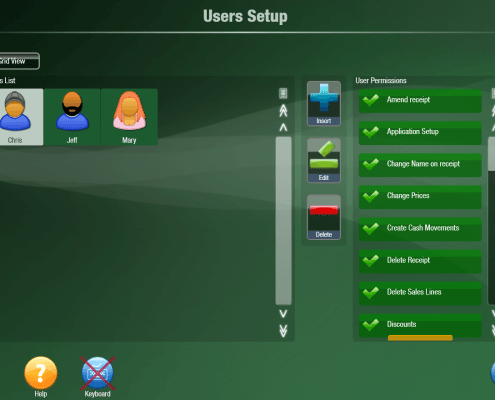 https://myntpos.com/wp-content/uploads/2014/10/Users_Setup_Screen.png
880
1256
Mynt POS
/wp-content/uploads/2013/04/Mynt_Logo.png
Mynt POS2014-10-24 22:25:492015-01-05 07:31:04Setting up Users
https://myntpos.com/wp-content/uploads/2014/10/Users_Setup_Screen.png
880
1256
Mynt POS
/wp-content/uploads/2013/04/Mynt_Logo.png
Mynt POS2014-10-24 22:25:492015-01-05 07:31:04Setting up Users