
Setting up Areas and Tables
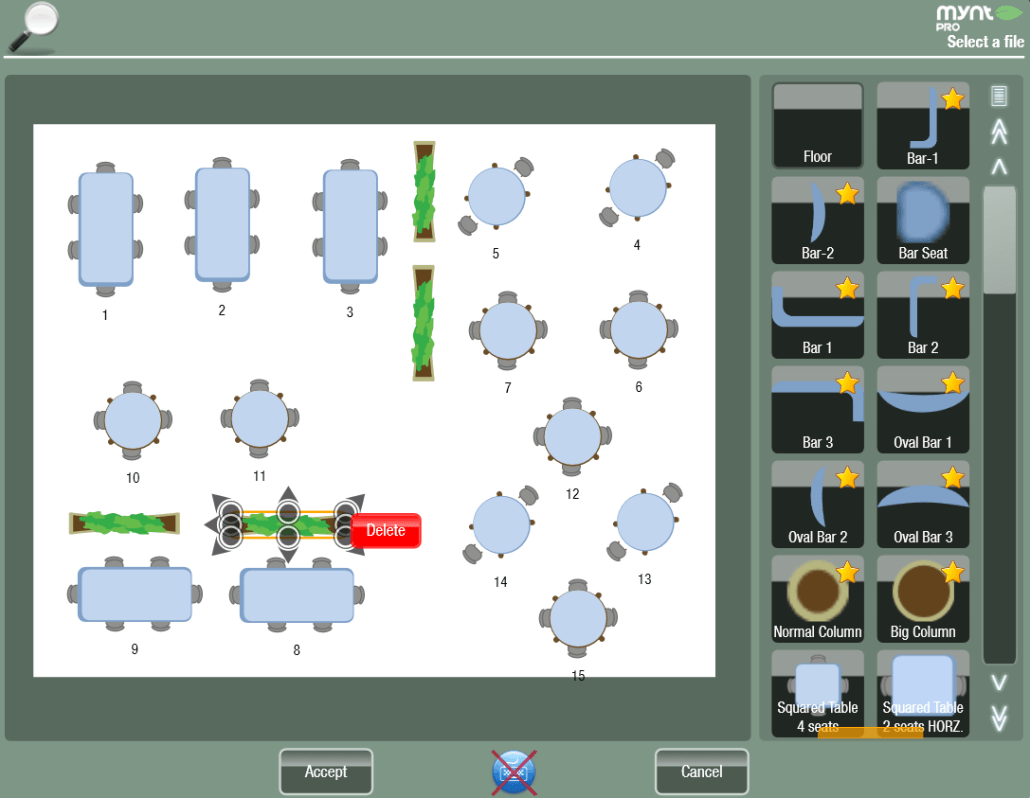
Areas and Tables are used by table service restaurants and bars that need to assign checks to a table. In Mynt you can either use a list of all of your tables, or create a floorplan to give you a “map” of your tables. You can also create multiple areas to accommodate businesses that have […]
Managing Tables
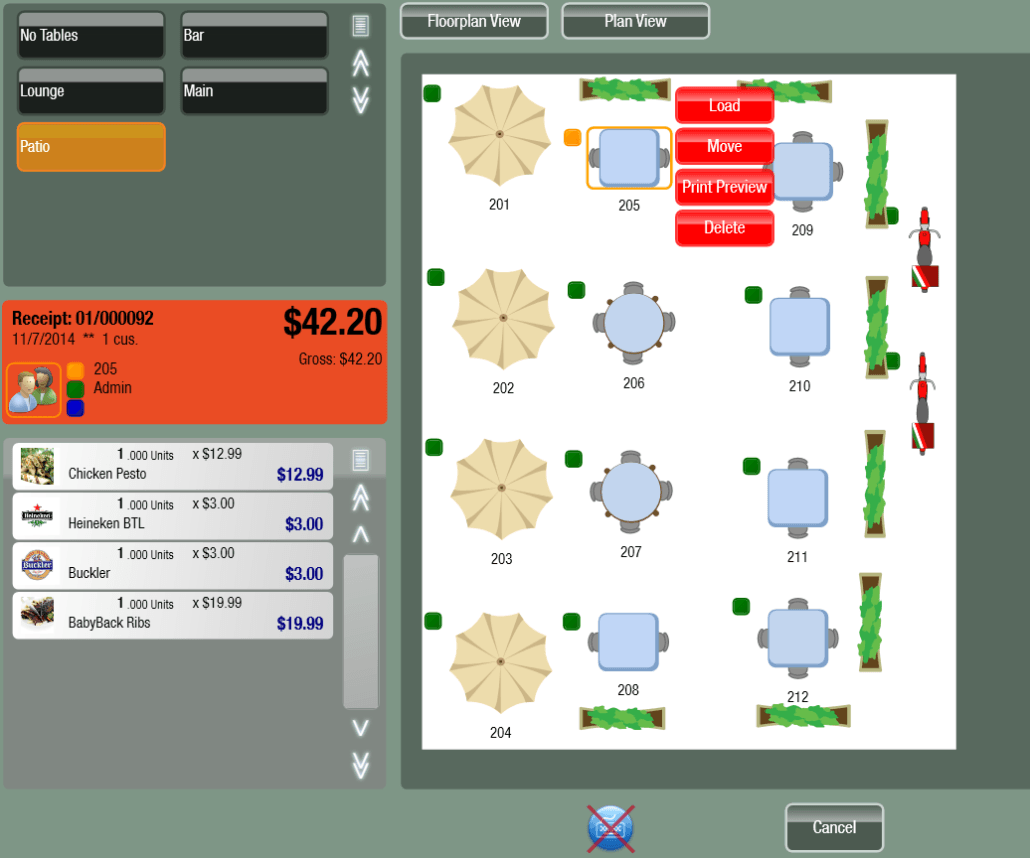
From the sales screen in Mynt, you can access all of your tables through the areas at the bottom of the screen. If you don’t see any tables or areas , then you will need to setup your tables and areas. See this page for more information about setting up tables. Areas with a green […]
Using Price Levels

In Mynt you can you can apply each price level to a customer or an area. You can also change the current price level from the main sales screen. Before you can apply a price level you need to have it created. To create a price level, see this page. To apply a price level […]
Creating a Price Level
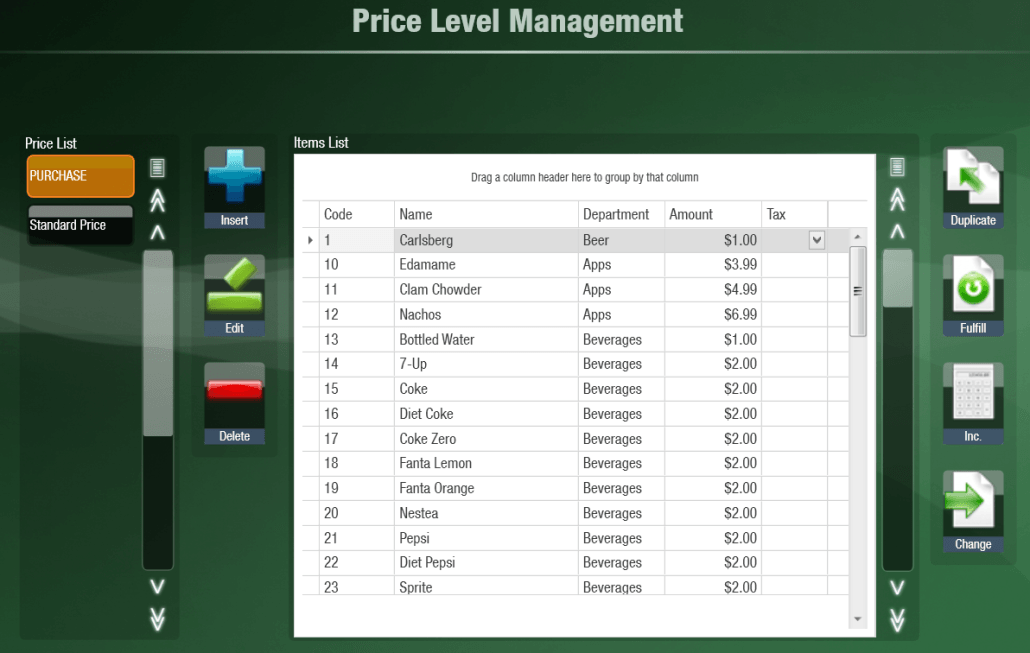
In Mynt, Price Levels can be used to easily change the price of multiple items at one time. Mynt requires that one price level is setup, additional price levels can be setup if needed. If you have a happy hour or a part of your establishment that has items discounted, then you would want to […]
Setting up Pack Types
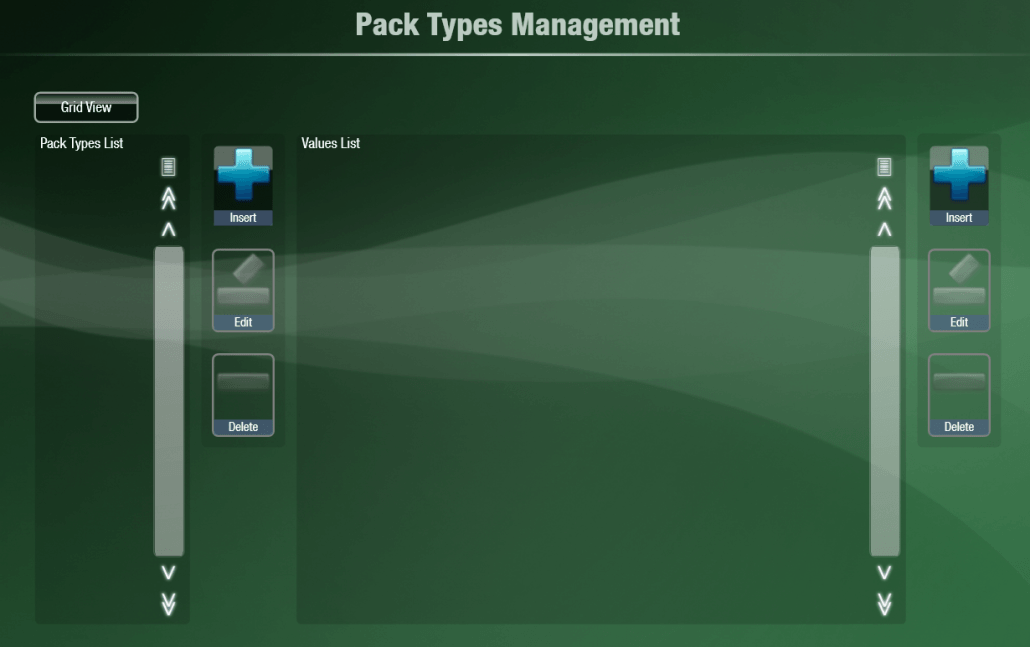
In Mynt, Packs are multiple items grouped together and sold as one item. Each pack contains multiple pack values, and each pack value will have multiple menu options. No matter what is included in the pack, the price will always stay the same. When ordering the pack, you will be prompted to select one pre-chosen menu […]
Creating and Editing Items
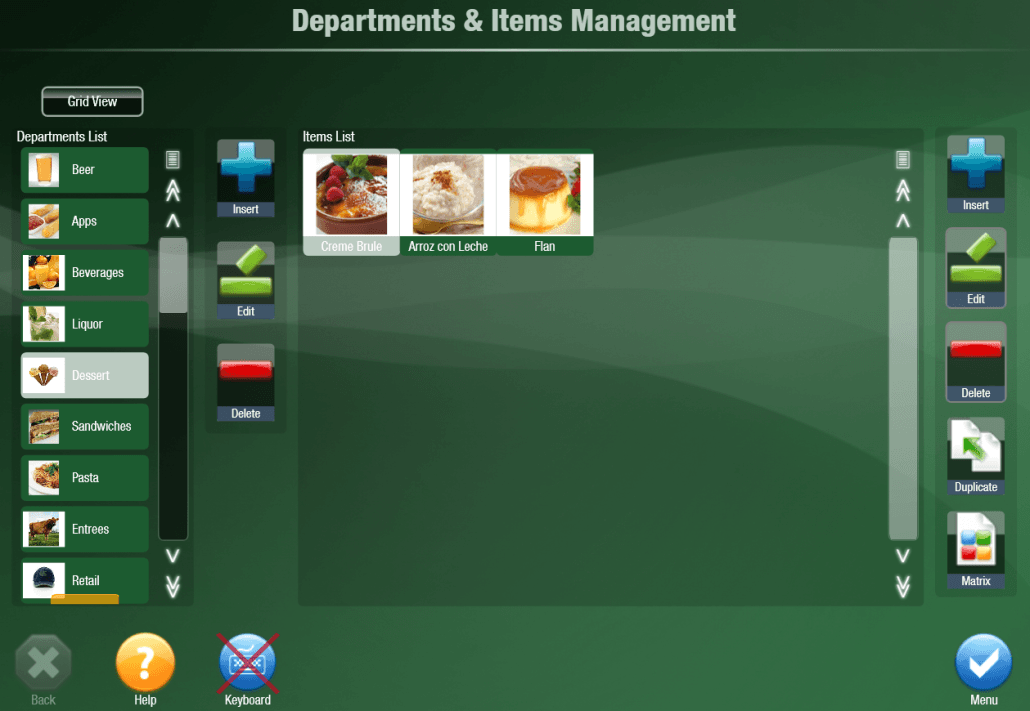
When you purchase Mynt menu creation is included, so all of your items will already be configured. But if you need to add or edit any of your items, you can use this guide. To edit or create items, open up Department & Items Management. You can open this up by clicking on Setup from […]
Setting Up Preparation Areas
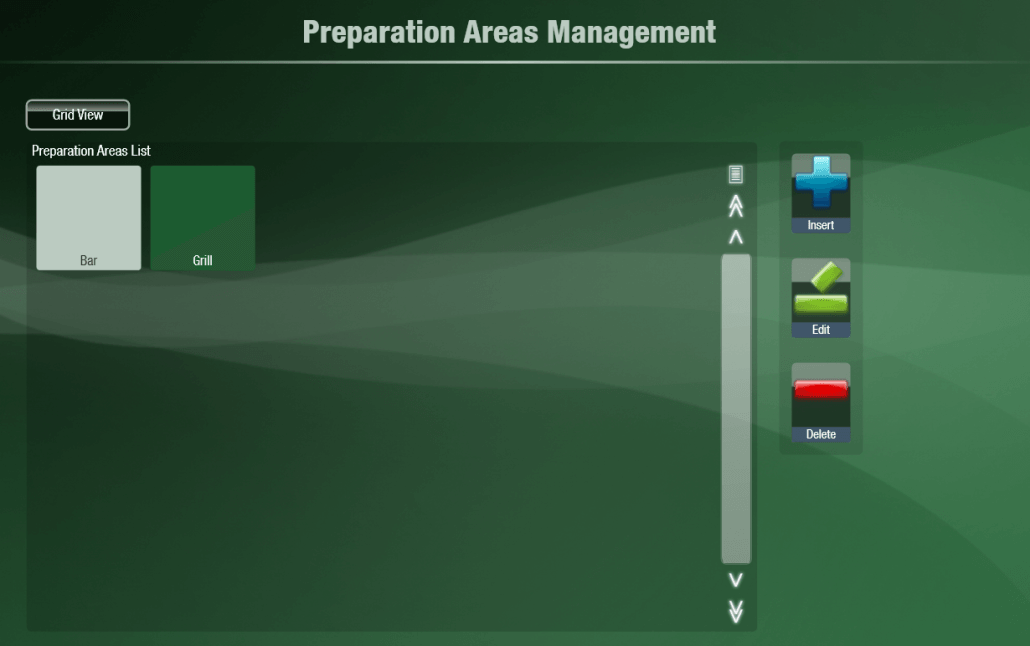
Preparation Areas is where kitchen and bar printers are configured. Before you can setup printers into preparation areas, they will need to be installed on your computer and in Peripherals Setup. To create a new Preparation Area, open up Preparation Areas Management (Setup > Advanced Setup > Preparation Areas). Click Insert on the right side to create a new preparation […]
Running Reports
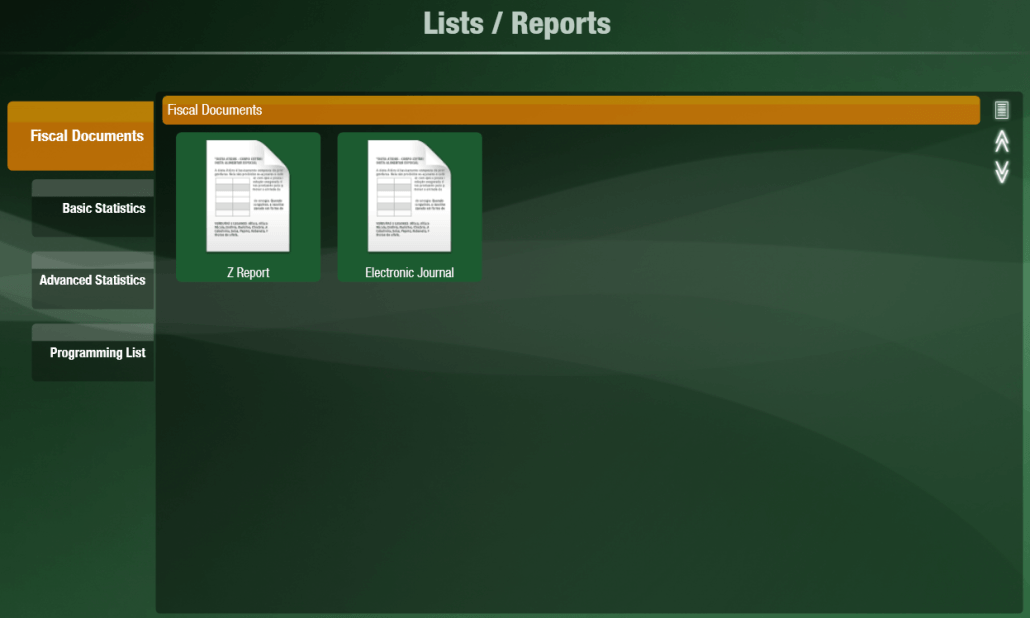
There are many options for running reports in Mynt. All of Mynt’s reports are accessed from the main sales screen by clicking on the Reports button at the top of the screen. There are 4 different categories of reports in Mynt. You can look through the different categories to find the report that you would […]
Setting up Groups
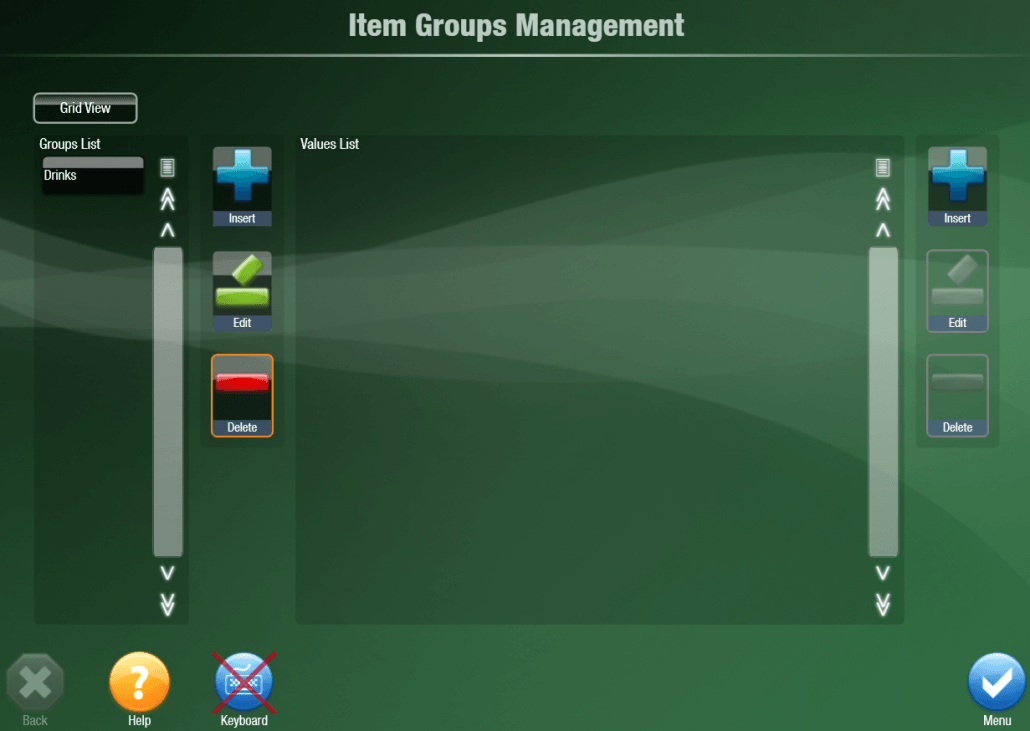
In Mynt groups are another way to classify items for reporting. Groups are made up of sub-groups, which contain menu items. Reports can be run on either groups or sub-groups. A single sub-group can contain items from multiple departments, and a single item can be a member of multiple groups. To create a Group start by opening […]
Configuring Supplements for an Item

This guide will show you how to add supplements to an item, before you can add a supplement to an item, you will need to create the supplement. This page will show you how to setup new supplements. Open up the Department and Item management window, (Setup > Items & Price Levels > Items). Find the […]