
Setting up Supplements
Supplements are a special type of item in Mynt. They are not sold as individual items, but are added on to other menu items. These are most commonly used in restaurants for add-on items, an example of this would be adding soup or salad to a menu item for an upcharge. Supplements are created in […]
Setting up Modifiers
To setup modifiers, from the main sales screen click Setup and then Advanced Setup. From Advanced Setup, click Modifiers. This will open up the Item Modifiers Management screen. The list on the left shows the modifiers and the space on the right is the individual options for that modifier. To create a new modifier click Insert on the […]
Applying Discounts
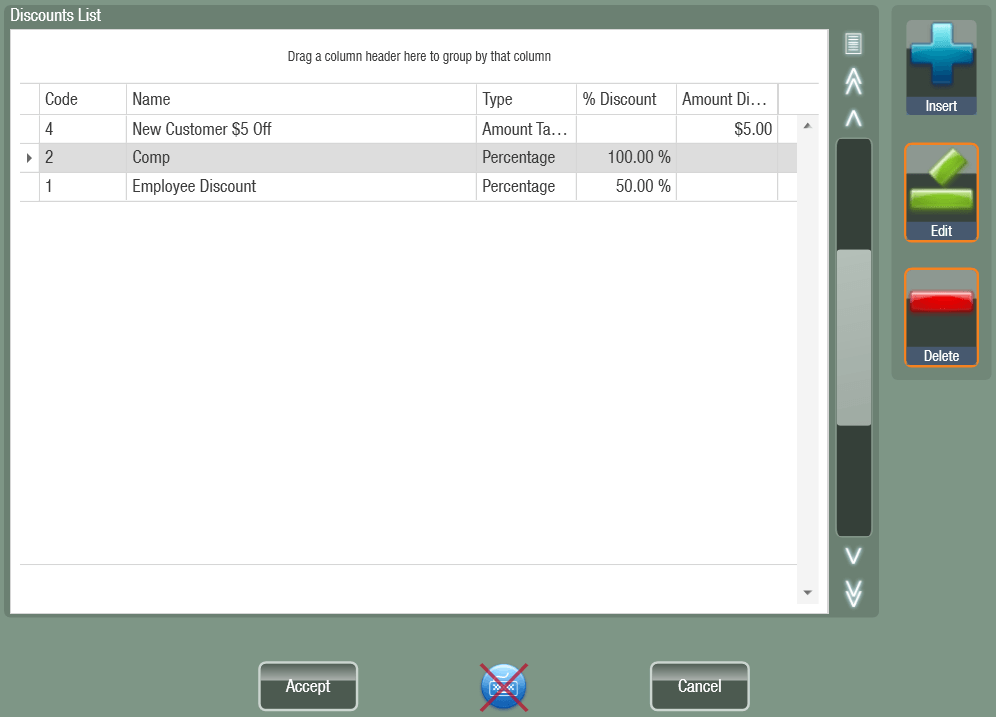
From the payment screen, click on the Discount button near the top left corner. This will open up the Discounts List. To use one of the discounts, click on the discount and then click Accept. This will bring you back to the payment screen with the discount applied. To remove a discount from a check, […]
Setting up Discounts
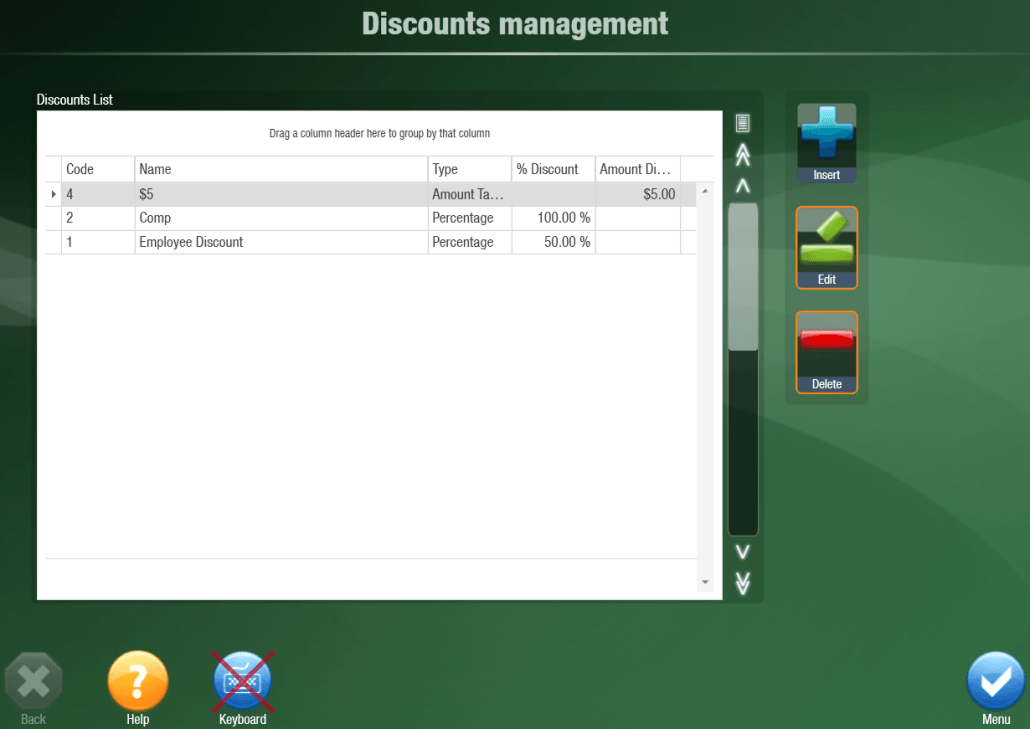
To setup discounts, from the Mynt sales screen click Setup in the top left corner, then from the list on the left select Miscellaneous Setup, and then select Discounts. This will open up the Discounts Management screen. To create a new discount, click Insert on the right. This will open up the Insert Discount screen. There are […]
List of User Permissions
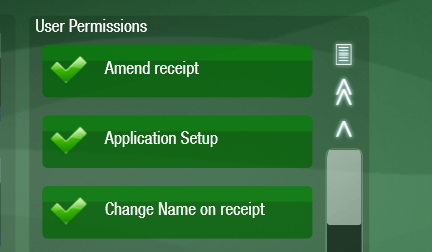
This is a list of all permissions available in Mynt, along with a brief description of what each permission controls. Amend Receipt – This determines if the user can reopen a closed receipt and make changes to the line items on the receipt. Application Setup – This determines if the user is able to […]
Setting up User Permissions
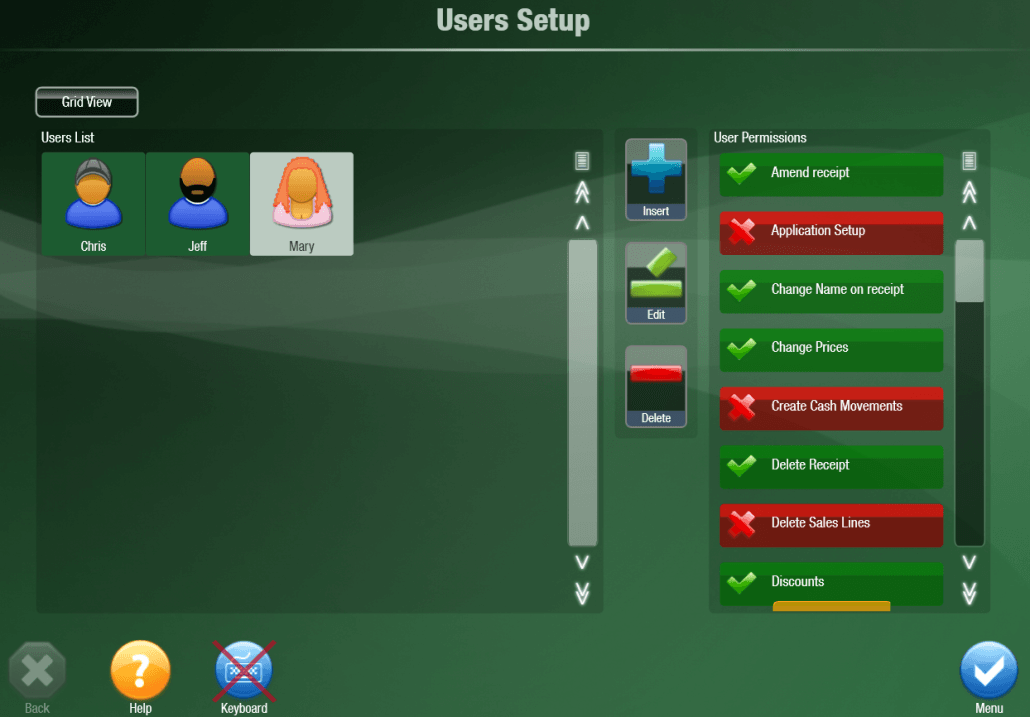
You can use user permissions in Mynt to control what users have access to. To setup user permissions, open up the User Setup window, this can be found in Mynt by selecting Setup in the top right corner, and then under Basic Company Data Setup you will find Users. To change a user’s permissions, simply […]
Setting up Users
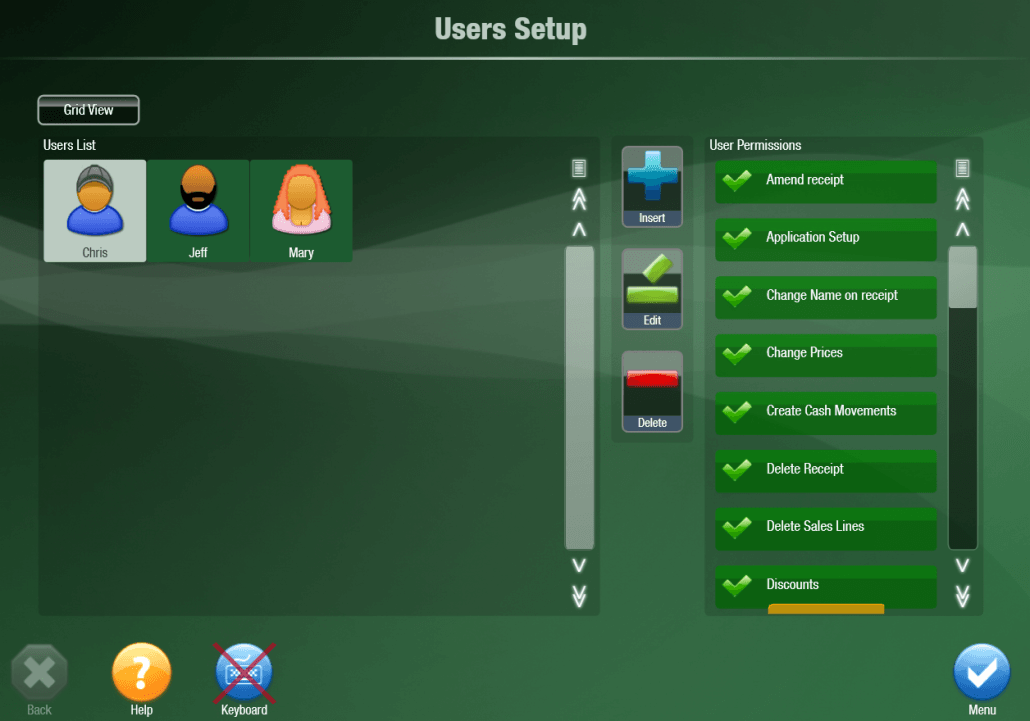
The user setup screen is where you can create and edit users, as well as assign permissions to control how your employees can use Mynt. To setup Users, from the main sales screen, click Setup in the top left corner, then click Basic Company Data Setup and then Users. This will open up the Users Setup Window. To […]
Setting up Taxes
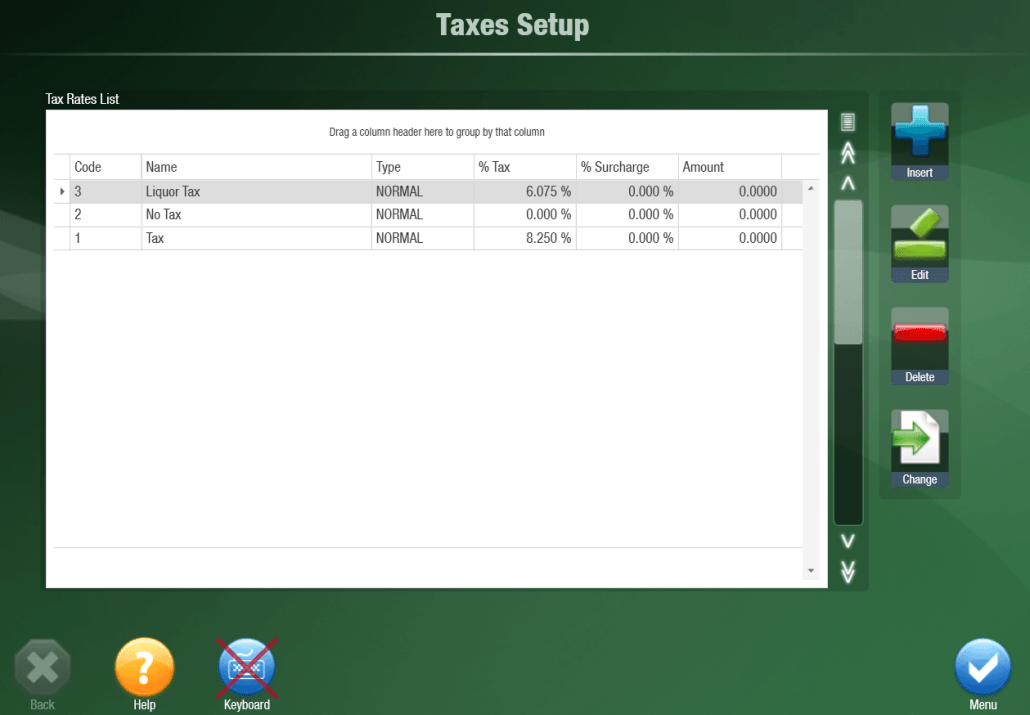
To setup Taxes from the sales screen, click Setup in the top left corner, then click Basic Company Data Setup and then Taxes. This will open up the Taxes Setup Window. To create a tax, click on the Insert button. The following window will open up. The Code field is a unique number for each Tax, Mynt […]
Creating/Restoring a backup

Before you restore or backup the Mynt database make sure that you are logged in as the Admin user or a user with the Utilities permission. To perform a backup of the Mynt database, open up the Mynt setup screen, and then click on Utilities. Select the button labeled Backup Copy. This will open up […]