
How to Manually Enter a Credit Card Number

In Mynt, if you need to manually type in a credit card number you must use the Windows on screen keyboard, or have a USB keyboard attached. To bring up the Windows on screen keyboard, tap on the Mynt logo in the top right corner. On the Windows desktop, tap on the blue keyboard icon […]
Product/Menu Loading Templates
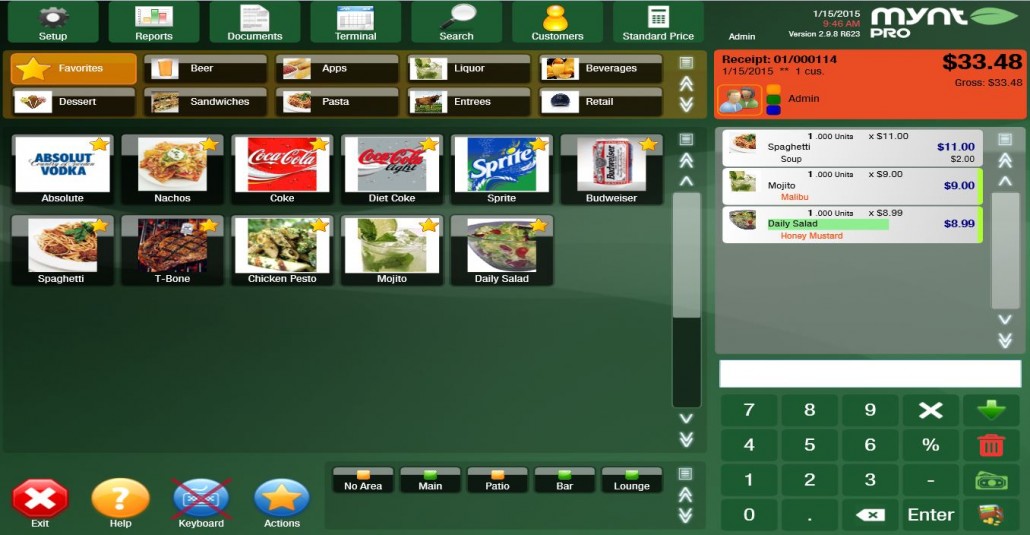
If you have a customer that does not have a menu or product list, but needs a template to load their items into, use one of the spreadsheets below. Mynt Product Load Template Restaurant Mynt Product Load Template Retail
Add Credit to Customer Account
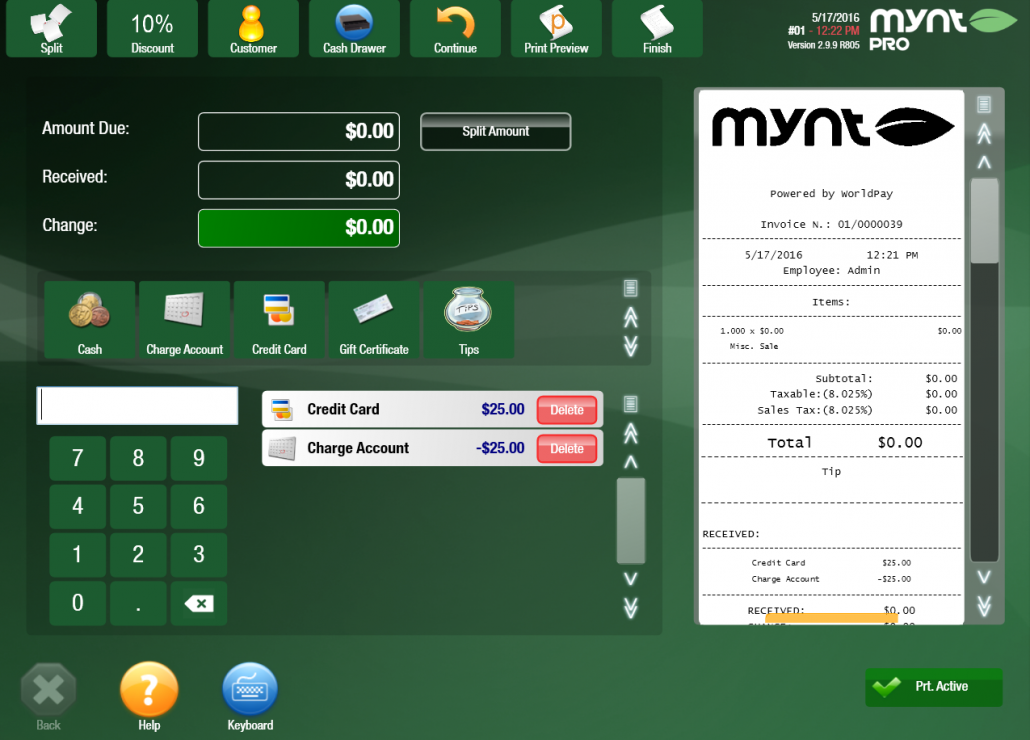
With customer accounts you can allow you customer to add credit to their account at any time, with any payment method that you accept. Before you can add credit to a customer’s account, you will need to make sure that you have customers created in your system, and a pending payment (Charge Account) payment method […]
How to setup an employee card
To setup an employee card in Mynt, follow these simple steps. 1. From the main ordering screen, tap on the Setup button in the top left corner. From the Setup screen, tap on Basic Company Data Setup. 2. Next tap on Users. 3. Tap on the user that you are assigning the card to, and then tap Edit. 4. […]
Turning on Tips

If you would like to start taking tips on credit card transactions, follow the directions below. Once you have done this, you must also close out the tips at the end of every day. If you do not close out the tips, you will not receive the funds for your credit card transactions. If you have […]
Completing the End of Day Procedures
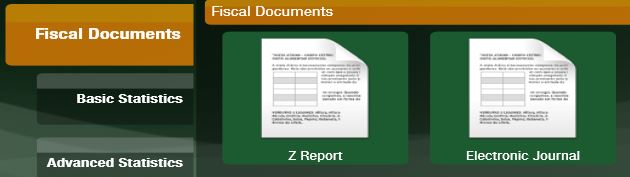
There are 4 things that you must do at the end of every day (3 if you do not take credit card tips). The first is to add tips to all of your transactions and close out transactions with no tip. If you are not taking tips on your credit card transactions, you can skip […]
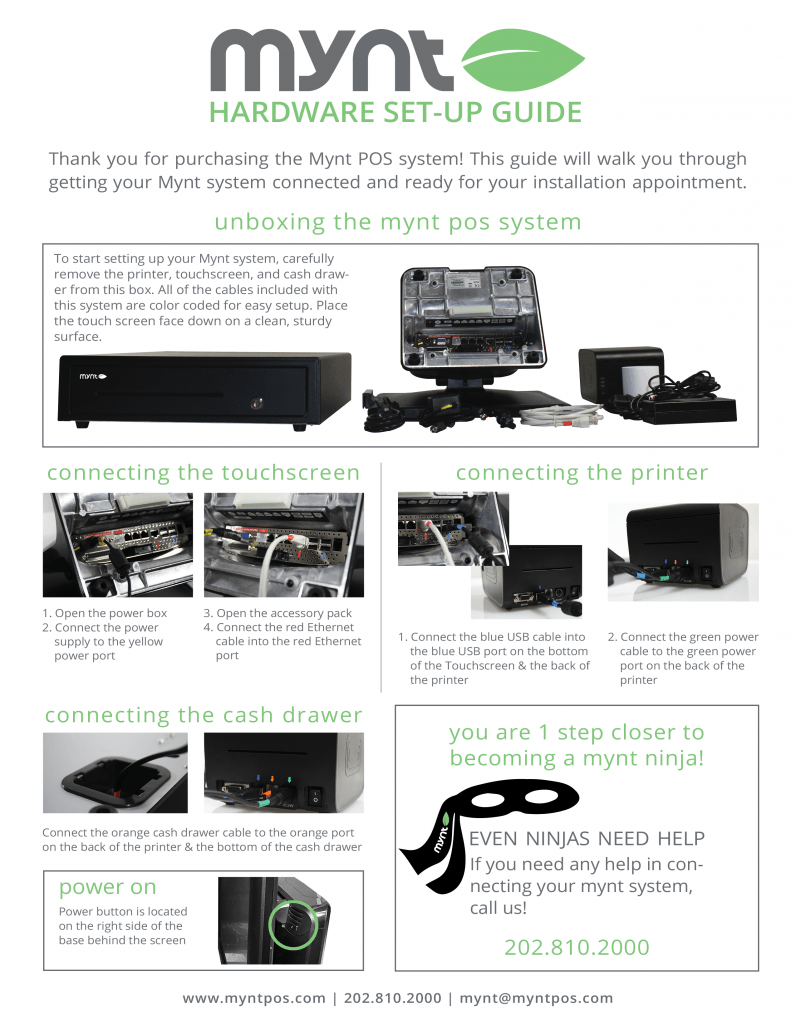
Mynt Hardware Setup Guide
Completing a Sale
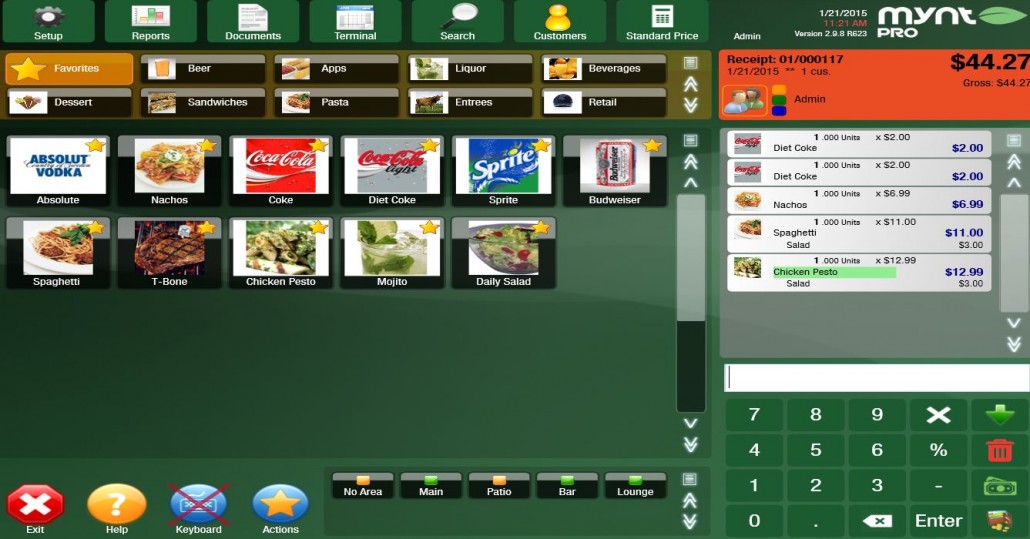
In order to process and complete a sale with the Mynt system you will first need to select all the items the customer wishes to purchase on the main sales screen. After all the items are entered into the sales screen tap the Payment button at the bottom right corner of the screen. This will […]
How to Discount a Single Item

Applying a discount to a single item in Mynt is quite simple. Enter all the items the customer wishes to purchase on the main sales screen. Enter the percentage amount you wish to apply for the discount on the numeric keypad and press the % button. Tap the item you wish to apply […]
How to Create Tabs or To-Go Orders
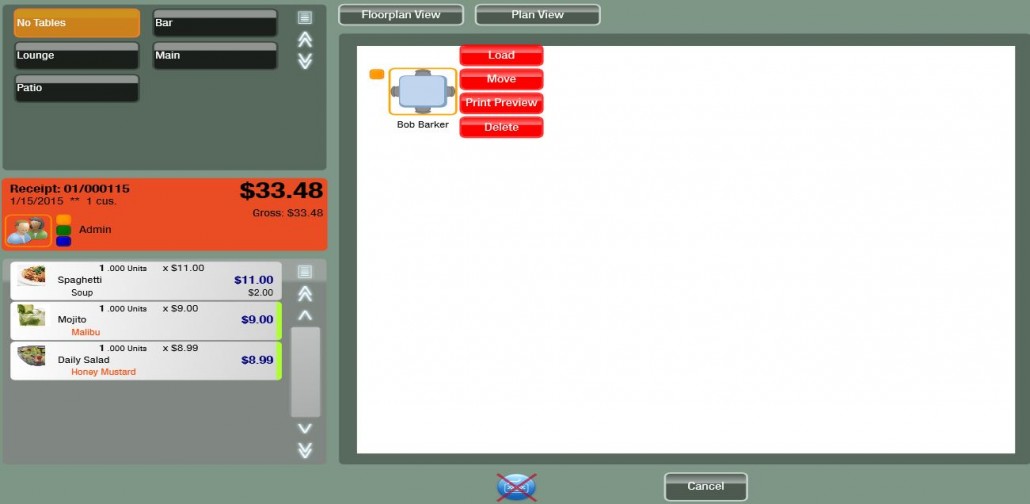
To open a tab or take a to-go order for a customer simply enter in all the items the customer wishes to purchase on the main sales screen. Once all the items are selected you will select the Green Save Check arrow button to the right side of the screen. After selecting […]