
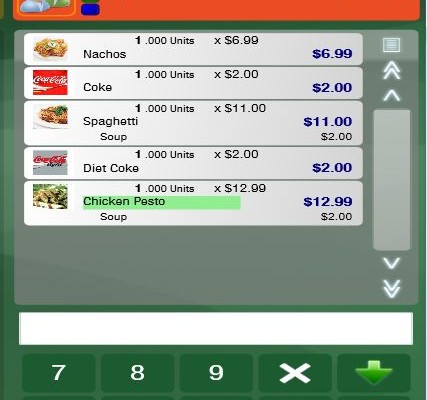
 https://myntpos.com/wp-content/uploads/2014/12/Split-Checks.jpg
651
427
Mynt POS
/wp-content/uploads/2013/04/Mynt_Logo.png
Mynt POS2015-01-06 14:11:502017-04-28 13:16:58Quick Service Training Guide
https://myntpos.com/wp-content/uploads/2014/12/Split-Checks.jpg
651
427
Mynt POS
/wp-content/uploads/2013/04/Mynt_Logo.png
Mynt POS2015-01-06 14:11:502017-04-28 13:16:58Quick Service Training Guide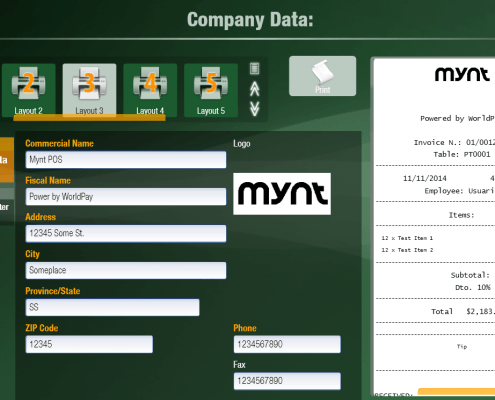 https://myntpos.com/wp-content/uploads/2014/12/Company_Data_Setup_Complete.png
745
1240
Mynt POS
/wp-content/uploads/2013/04/Mynt_Logo.png
Mynt POS2015-01-06 13:59:492015-01-07 11:28:48Table Service Training Guide
https://myntpos.com/wp-content/uploads/2014/12/Company_Data_Setup_Complete.png
745
1240
Mynt POS
/wp-content/uploads/2013/04/Mynt_Logo.png
Mynt POS2015-01-06 13:59:492015-01-07 11:28:48Table Service Training Guide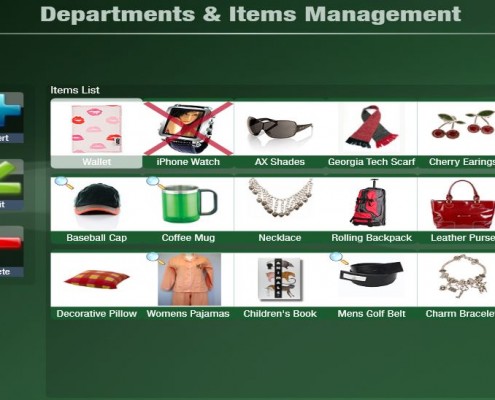 https://myntpos.com/wp-content/uploads/2015/01/Creating-item-retail-11.jpg
548
1289
Mynt POS
/wp-content/uploads/2013/04/Mynt_Logo.png
Mynt POS2015-01-06 13:58:272015-01-07 11:31:08Retail Service Training Guide
https://myntpos.com/wp-content/uploads/2015/01/Creating-item-retail-11.jpg
548
1289
Mynt POS
/wp-content/uploads/2013/04/Mynt_Logo.png
Mynt POS2015-01-06 13:58:272015-01-07 11:31:08Retail Service Training Guide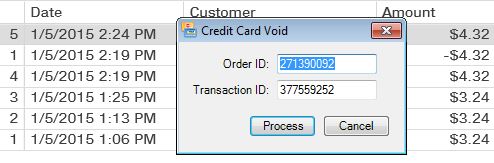 https://myntpos.com/wp-content/uploads/2015/01/void-5.jpg
163
494
Mynt POS
/wp-content/uploads/2013/04/Mynt_Logo.png
Mynt POS2015-01-05 14:49:462015-01-05 14:49:46Void Transactions
https://myntpos.com/wp-content/uploads/2015/01/void-5.jpg
163
494
Mynt POS
/wp-content/uploads/2013/04/Mynt_Logo.png
Mynt POS2015-01-05 14:49:462015-01-05 14:49:46Void Transactions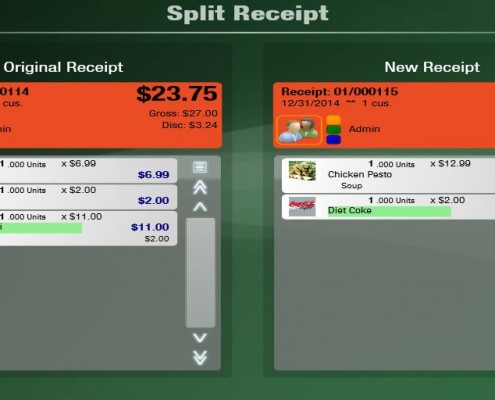 https://myntpos.com/wp-content/uploads/2014/12/Split-Checks-4.jpg
512
961
Mynt POS
/wp-content/uploads/2013/04/Mynt_Logo.png
Mynt POS2015-01-05 14:06:582015-01-05 16:03:04Splitting Checks
https://myntpos.com/wp-content/uploads/2014/12/Split-Checks-4.jpg
512
961
Mynt POS
/wp-content/uploads/2013/04/Mynt_Logo.png
Mynt POS2015-01-05 14:06:582015-01-05 16:03:04Splitting Checks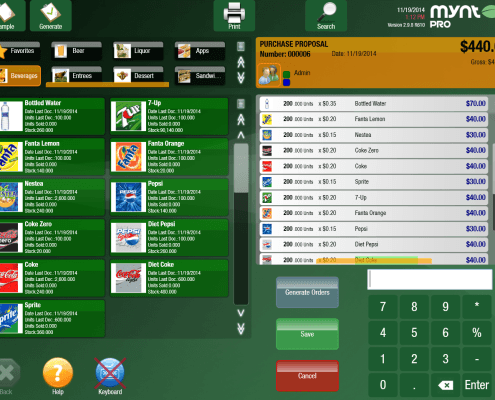 https://myntpos.com/wp-content/uploads/2014/11/New_Purchase_Order.png
958
1270
Mynt POS
/wp-content/uploads/2013/04/Mynt_Logo.png
Mynt POS2015-01-05 14:04:582016-01-29 07:58:32Creating and Using Purchase Orders
https://myntpos.com/wp-content/uploads/2014/11/New_Purchase_Order.png
958
1270
Mynt POS
/wp-content/uploads/2013/04/Mynt_Logo.png
Mynt POS2015-01-05 14:04:582016-01-29 07:58:32Creating and Using Purchase Orders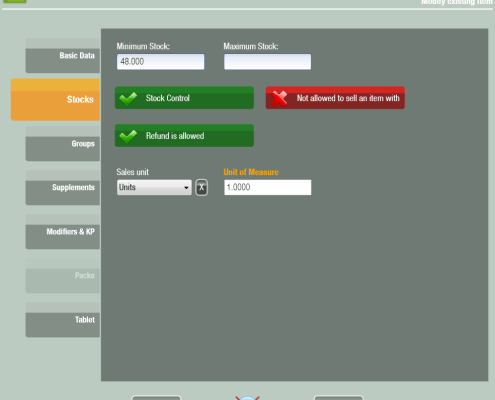 https://myntpos.com/wp-content/uploads/2014/11/Stocks_Tab.png
884
984
Mynt POS
/wp-content/uploads/2013/04/Mynt_Logo.png
Mynt POS2015-01-05 14:02:562015-01-05 14:02:56Setting up Stock Control
https://myntpos.com/wp-content/uploads/2014/11/Stocks_Tab.png
884
984
Mynt POS
/wp-content/uploads/2013/04/Mynt_Logo.png
Mynt POS2015-01-05 14:02:562015-01-05 14:02:56Setting up Stock Control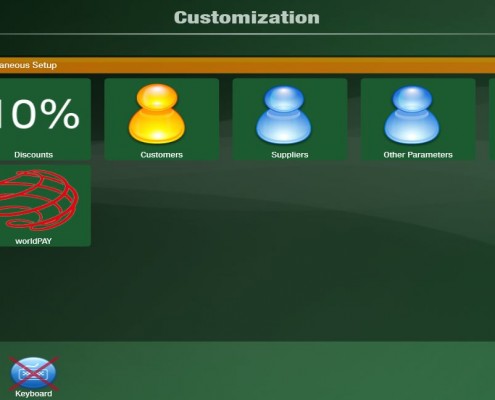 https://myntpos.com/wp-content/uploads/2015/01/Supplier-2.jpg
648
1301
Mynt POS
/wp-content/uploads/2013/04/Mynt_Logo.png
Mynt POS2015-01-05 13:58:352015-01-05 13:58:35Creating Suppliers
https://myntpos.com/wp-content/uploads/2015/01/Supplier-2.jpg
648
1301
Mynt POS
/wp-content/uploads/2013/04/Mynt_Logo.png
Mynt POS2015-01-05 13:58:352015-01-05 13:58:35Creating Suppliers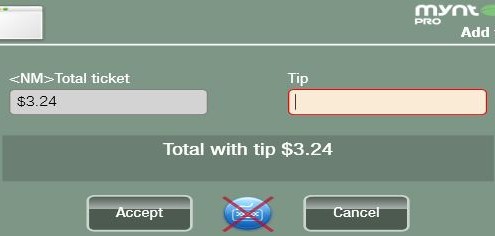 https://myntpos.com/wp-content/uploads/2015/01/tips-4.jpg
236
532
Mynt POS
/wp-content/uploads/2013/04/Mynt_Logo.png
Mynt POS2015-01-05 13:31:202015-01-05 13:31:20Closing out Tips
https://myntpos.com/wp-content/uploads/2015/01/tips-4.jpg
236
532
Mynt POS
/wp-content/uploads/2013/04/Mynt_Logo.png
Mynt POS2015-01-05 13:31:202015-01-05 13:31:20Closing out Tips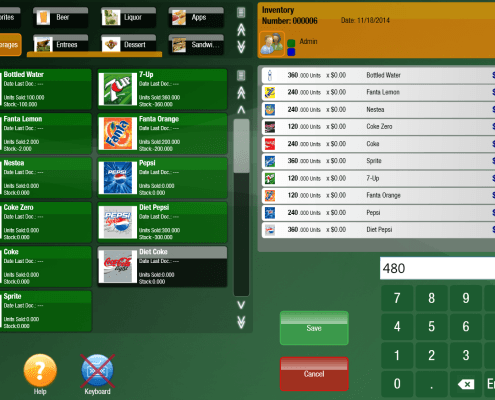 https://myntpos.com/wp-content/uploads/2014/11/Adding_Inventory_Items.png
873
1268
Mynt POS
/wp-content/uploads/2013/04/Mynt_Logo.png
Mynt POS2015-01-05 13:05:552016-01-28 15:31:36Generating Inventory
https://myntpos.com/wp-content/uploads/2014/11/Adding_Inventory_Items.png
873
1268
Mynt POS
/wp-content/uploads/2013/04/Mynt_Logo.png
Mynt POS2015-01-05 13:05:552016-01-28 15:31:36Generating Inventory