
Processing a Refund
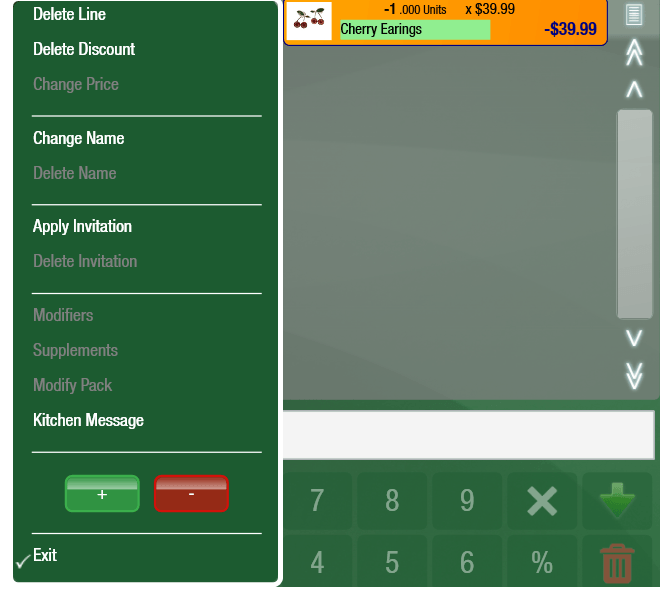
In order to process a refund in Mynt, you will have to sell a negative quantity of an item. To sell a negative quantity, add the item to a sales receipt. Now press and hold (or right click) on the item to edit it. Use the Minus () button to change the quantity to a negative amount. […]
Receiving Payment on Charge Account
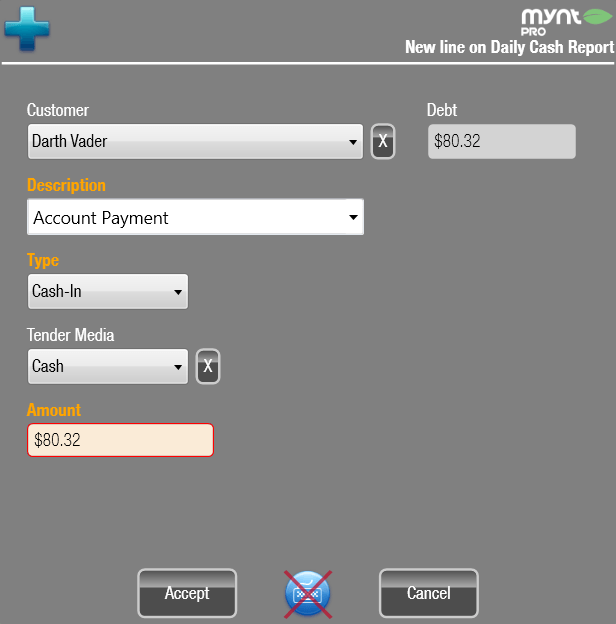
To see the amount owed on each charge account you can view the Customer Debts report. You can open this report by clicking on the Reports button at the top of the sales screen and then going into Advanced Statistics. This report will show you each customers total sales, payments, and the difference between the two. […]
Using Charge Accounts
In Mynt you are able to create customer accounts. Once you have created a customer account you have the option to set them up with a charge account. With a charge account you can bill items to a customer’s account and then have the balance paid off at a later date. To start using charge accounts, you will need to setup […]
Setting up Customers
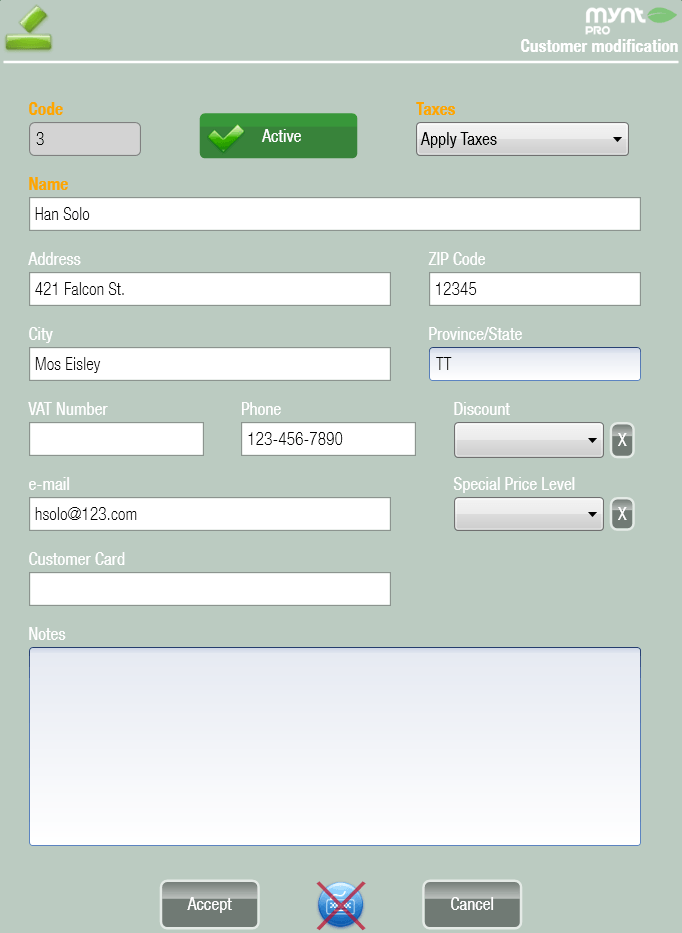
In Mynt you can use the Customers feature to track your customers and do charge accounts for recurring customers. To create a customer, click the Customer button from the top of the sales screen. This will open the list of customers. Click on the Insert button to create a new customer. The new customer window will […]
Issuing Store Credit
Mynt can be configured to sell store credit in any denomination. To set this up, you will need to setup a store credit item with $0 costs. Once this item is setup, all you need to do is add the item to a receipt, and then go to the payment screen. From the payment screen, […]
Using Store Credit
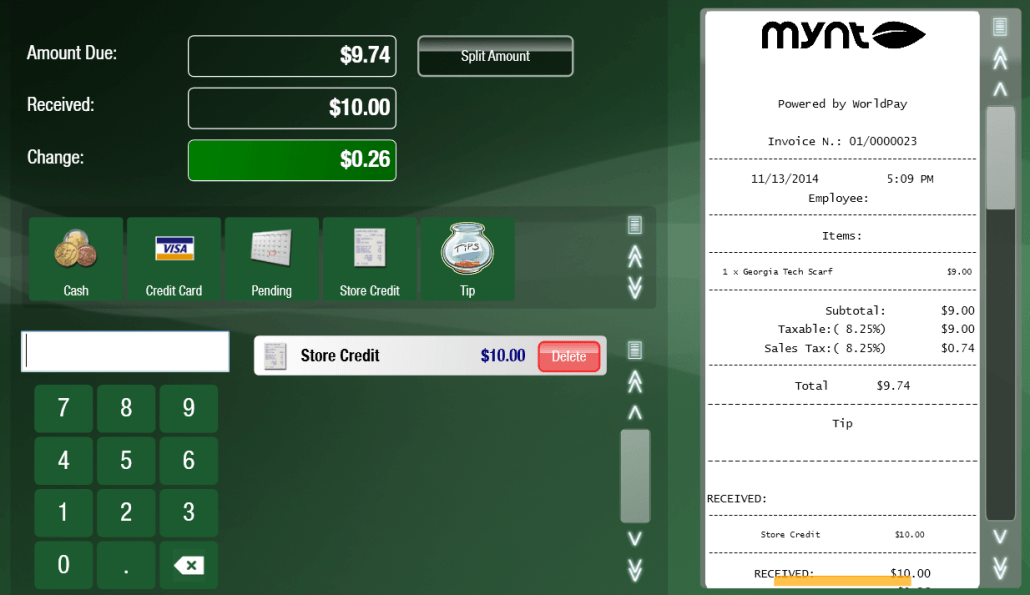
When you issue store credit to someone, they will be given a receipt with a barcode and a store credit number. You can use either of these from the payment screen to use the store credit. At the payment screen, either scan in the barcode on the receipt, or type in the store credit number […]
Changing the Language in Mynt
Mynt supports the following languages and you can switch between them at any time. English (U.K) English (USA) Catalan Spanish Dutch Simplified Chinese French Portuguese Russian German Brazilian Portuguese Norwegian To change the current language, click Setup in the top left corner. Then click on the Languages button. Scroll through the list of flags until you have […]
Selecting Images
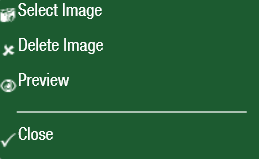
There are many places in Mynt where you can configure images. All of these places use this method for selecting an image to use. To change an image, click on the image and this menu will open up. Clicking on Preview will open up a large view of the image that is currently being used. Delete Image will remove […]
Moving/Merging a Table

You can move and merge tables in Mynt from the Tables and Areas screen. To open a table, just click on the area that the table is in from the list on the bottom of the sales screen. Any table with a orange box currently has a check on it. Click on a table […]
Loading a Custom Logo
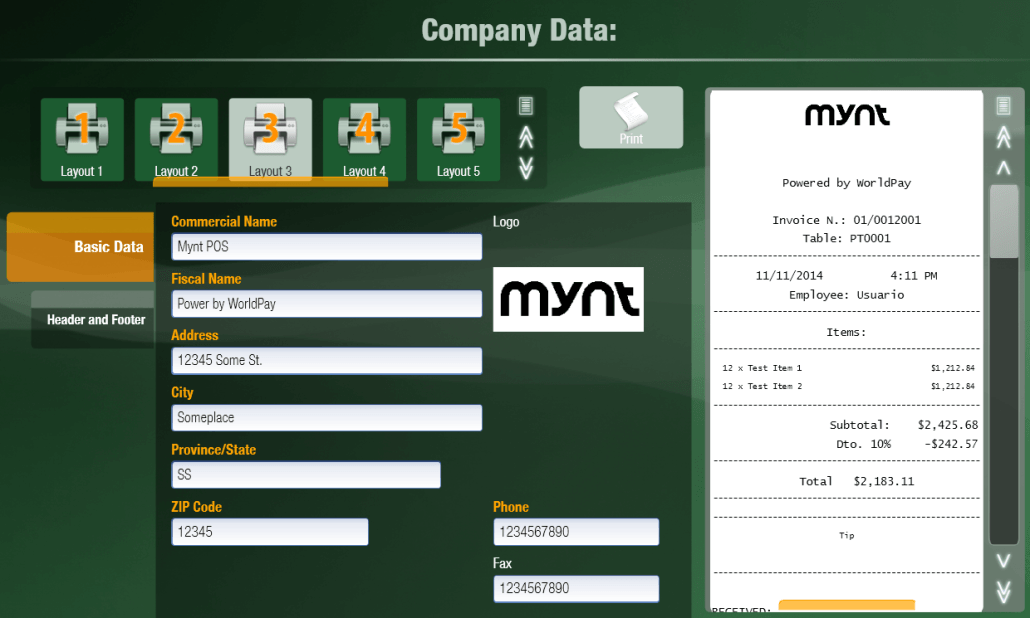
In Mynt you can load a custom logo to be printed at the top of your receipt. To do this you will need to have an image of your logo. Mynt supports .bmp, .jpg and .png files. To load the logo, open up the Company Data window (Setup > Basic Company Data Setup > Company Data) […]