
Preforming a Cash-in
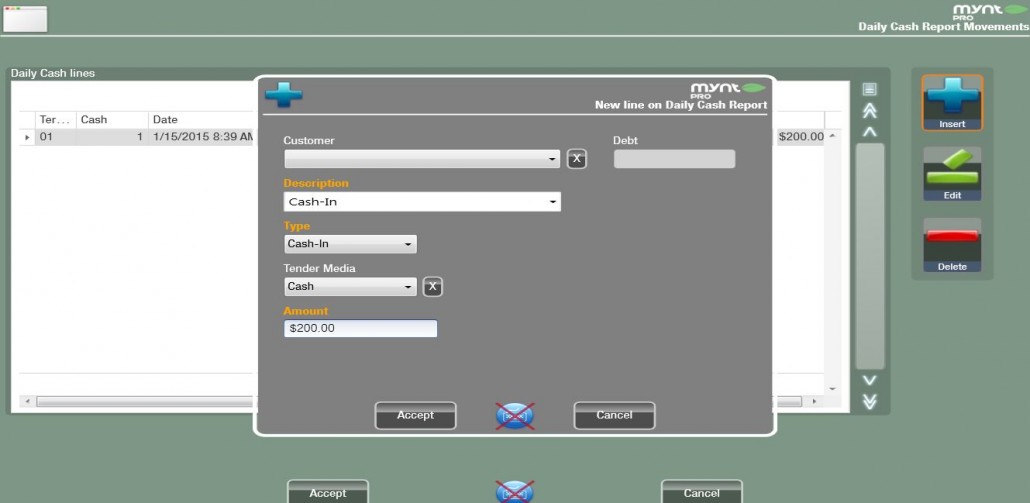
At the beginning of your business day you will want to preform a cash-in to verify how much money is in the cash drawer before taking transactions. To do so, from the main sales screen click the Actions button toward the bottom of the screen. A window will appear, click the Cash Mov. button. On […]
Adding Gratuity

Some table service locations will charge gratuity to a check if they are serving large groups of customers or private banquet parties. To add gratuity to the Mynt system you will first click the Setup button at the top left of the main sales screen. From the Customization page tap the Basic Company Data Setup tab and […]
Quick Service Training Guide

After completing the basic setup steps for the Mynt software installation process, you are now ready to begin the introduction segment on how to use the Mynt system for your quick service location.
Table Service Training Guide
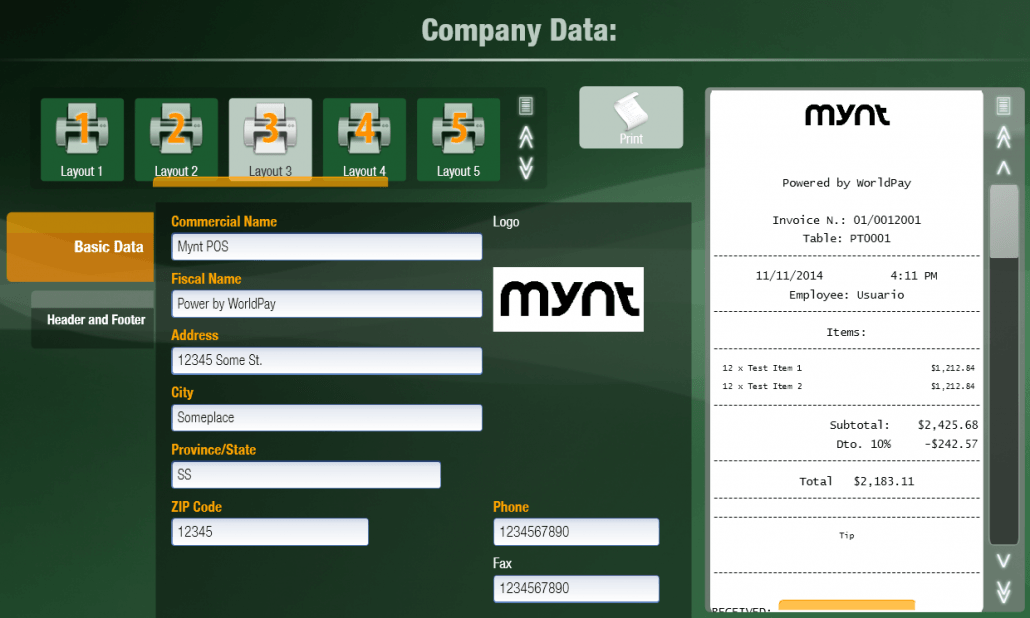
After completing the basic setup steps for the Mynt software installation process, you are now ready to begin the introduction segment on how to use the Mynt system for your table service location. User Setup/Training Mode: The user setup screen is where you can create and edit users, as well as assign permissions to control […]
Retail Service Training Guide
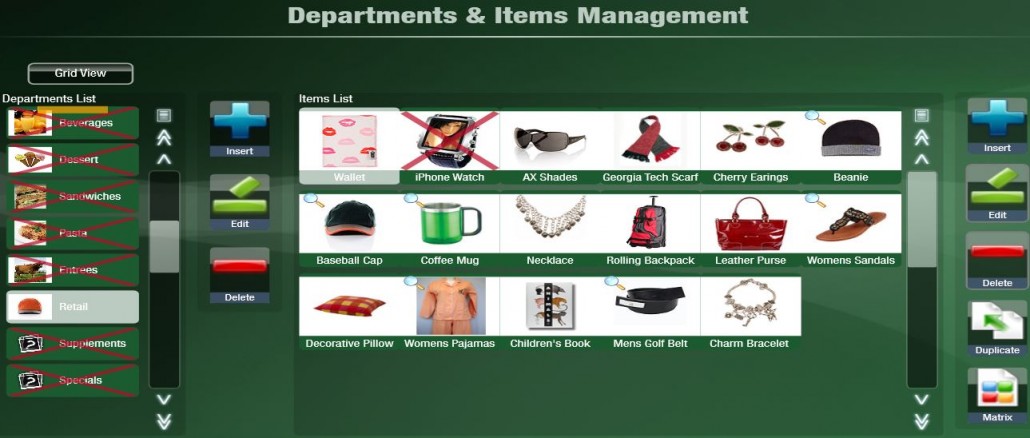
After completing the basic setup steps for the Mynt software installation process, you are now ready to begin the introduction segment on how to use the Mynt system for your retail service location. User Setup/Training Mode: The user setup screen is where you can create and edit users, as well as assign permissions to control […]
Void Transactions
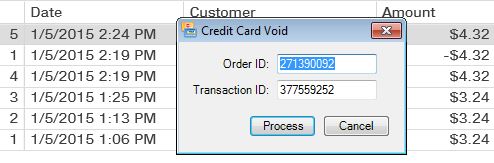
If you need to void any transactions click the Search button at the top of the main sales screen. In the search window click the Search Receipts button. From the search receipts window locate the transaction that you are wanting to void. Once it is highlighted click the Payback button on the right of the screen. […]
Splitting Checks
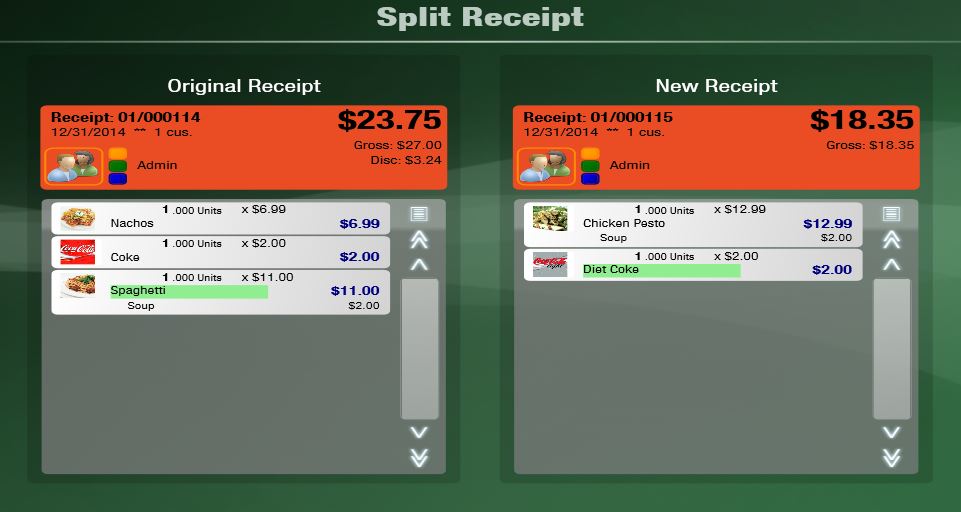
Mynt will allow you to have the option to split checks between customers. Once all the items have been rung up on the main sales screen you will then tap the Payment button, which is located next to the enter button on the bottom right-hand side of the screen. This will bring you to a […]
Creating and Using Purchase Orders
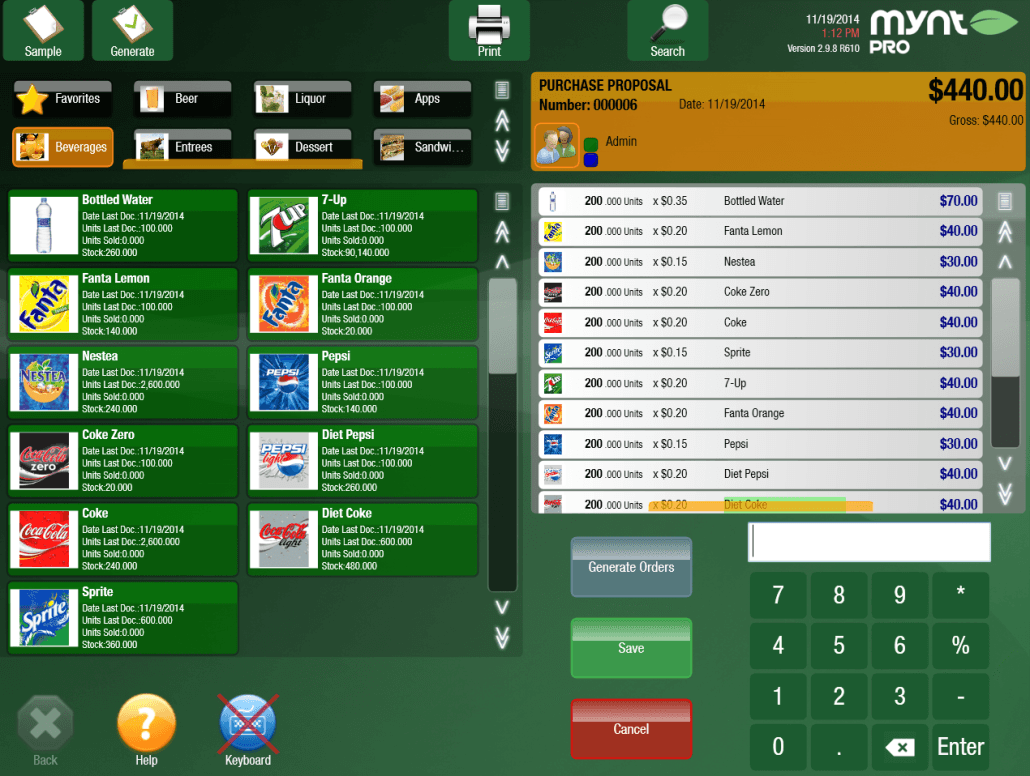
Purchase orders are used to track stock purchases and refill stock levels. There are two ways to create purchase orders in Mynt. You can either create a purchase order and then use a purchase delivery note to receive those goods when the delivery is made, or you can just create the purchase delivery note to […]
Setting up Stock Control

In Mynt you can use stock control to keep track of stock levels, and give warnings when stock of items are running low. Stock control is enabled on a per-item basis, and can be turned on from the Edit Item screen. From this screen you can also set maximum and minimum stock levels, and choose […]
Creating Suppliers
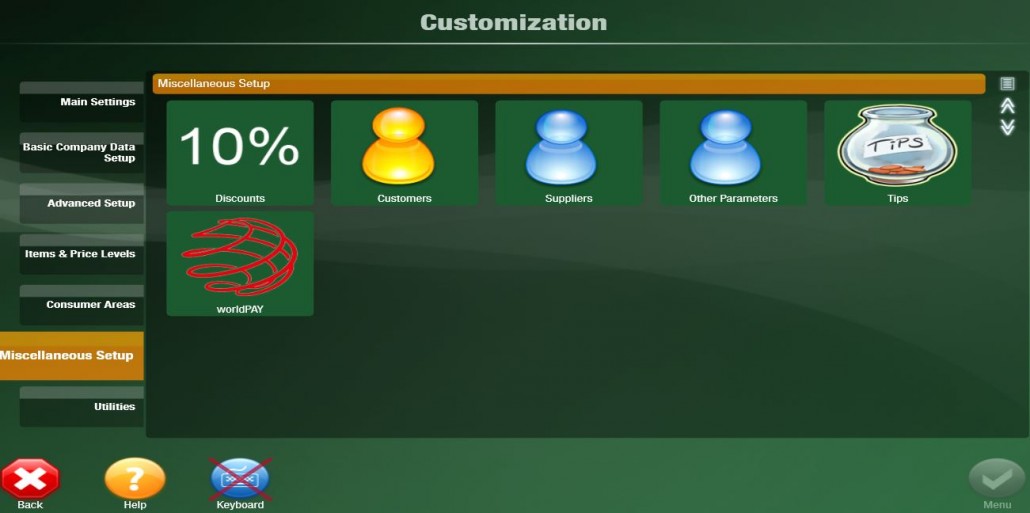
To create a new supplier you will need to click the Setup button at the top of the screen. From the Customization window select the Miscellaneous Setup tap and click the Suppliers button. From the Supplier’s Management window click the Insert button to add a new supplier. When inserting a new supplier you will need to […]